Can it fix a badly out-of-focus photo?
Only partly. Super-resolution works best on low-resolution and compression damage. Information lost to heavy blur is gone, so the model guesses texture instead. Always inspect the result at 100%.
AI Image Enhancer is a free browser tool that sharpens low-resolution or heavily compressed pictures with the Real-ESRGAN super-resolution model. It can keep the original size or upscale 2× or 4×, and the whole computation runs on your own device: on the GPU through WebGPU when available, otherwise on the CPU.
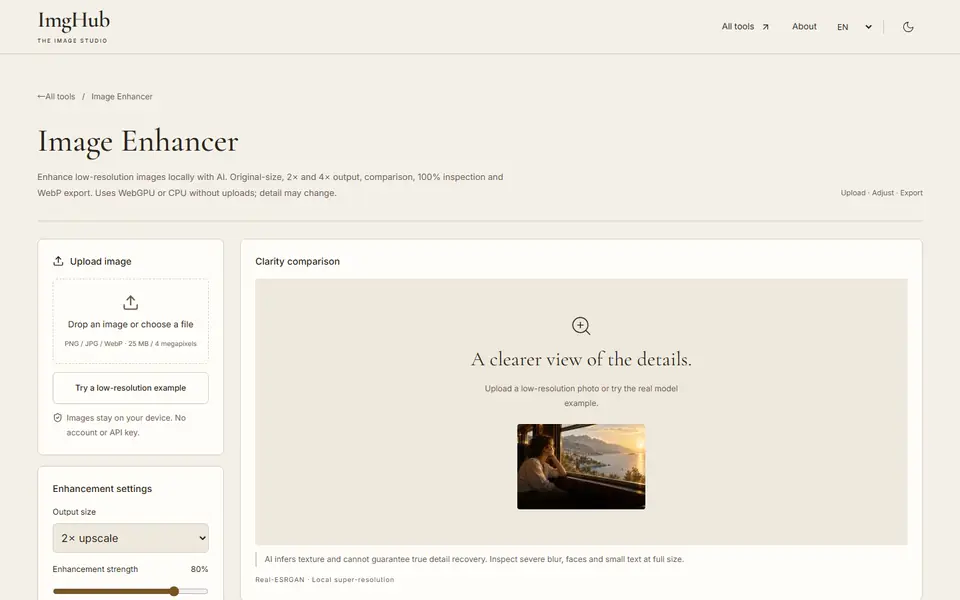
Open the tool and upload a PNG, JPG or WebP image, or load the built-in low-resolution example.
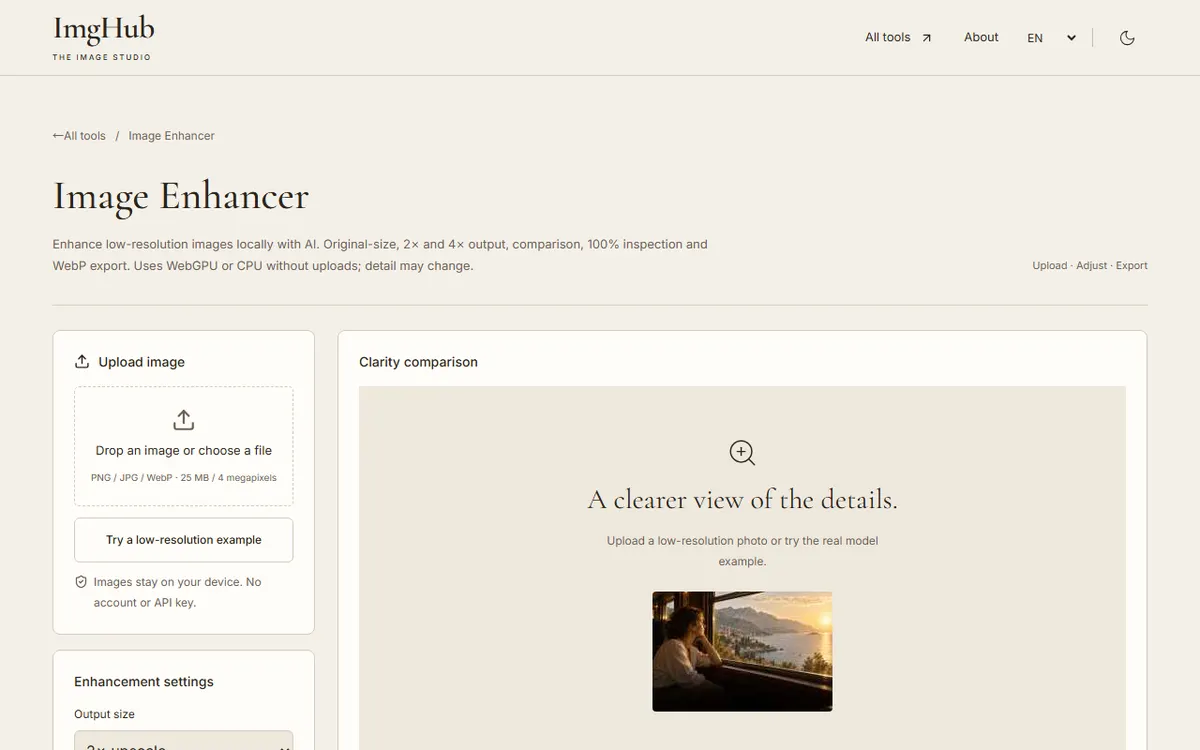
Pick the output size (original, 2× or 4×), the enhancement strength and the device, then start enhancing.
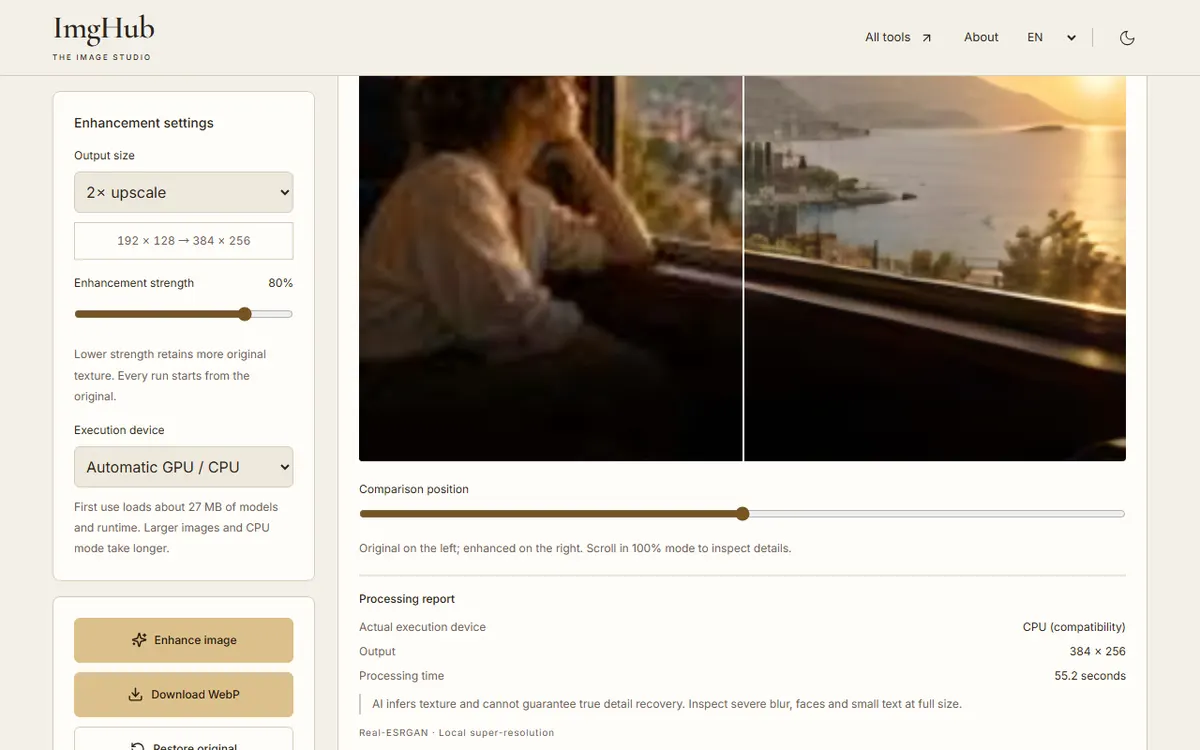
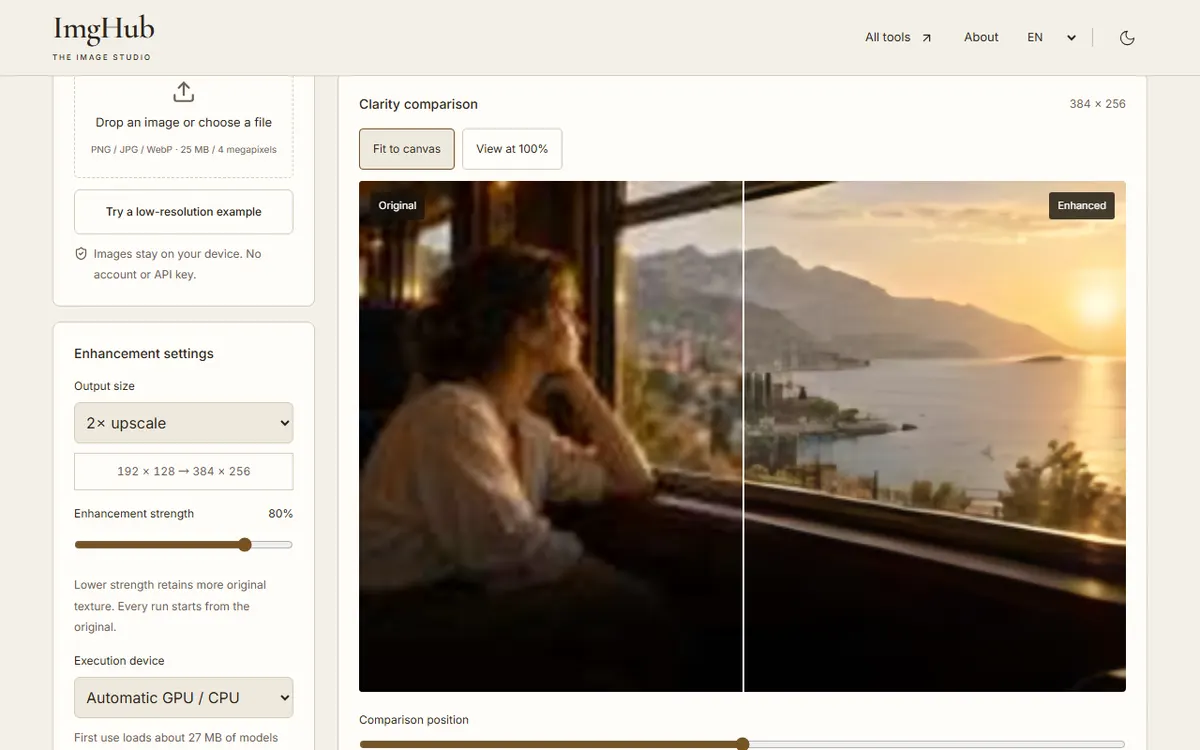
Drag the comparison slider and check faces and text at 100%, then download the result as WebP.
Your image never leaves the browser. The site only serves static files and the AI model; all enhancement happens on your device.
Only partly. Super-resolution works best on low-resolution and compression damage. Information lost to heavy blur is gone, so the model guesses texture instead. Always inspect the result at 100%.
No. With a WebGPU-capable browser such as current Chrome or Edge it uses your GPU; otherwise, or if the GPU run fails, automatic mode switches to the CPU, which is slower but works.
The model always upscales 4×; smaller outputs are scaled down from that result, which keeps quality consistent across sizes.
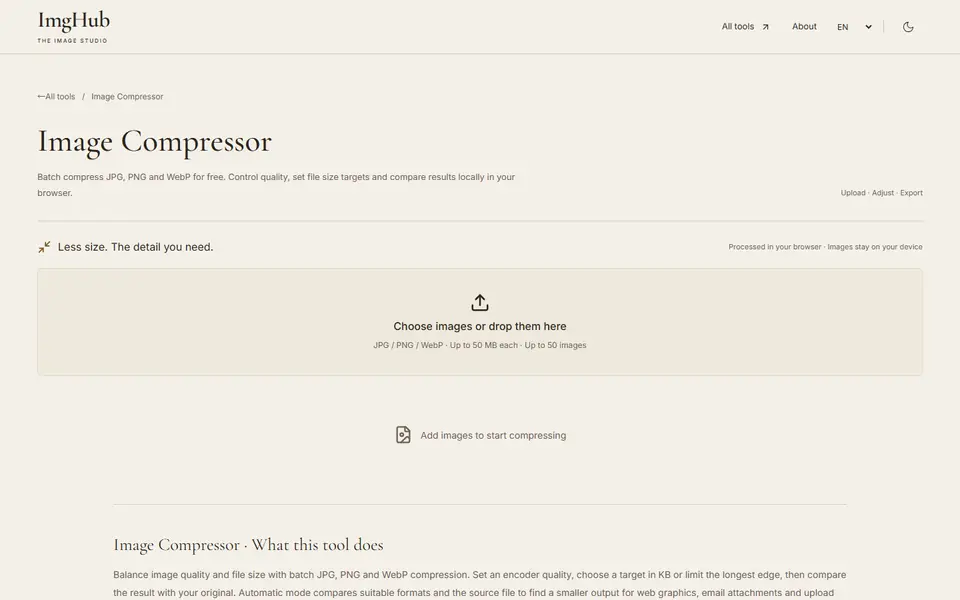
Free online batch image compression tool, supports JPG, PNG, WebP formats, local processing protects privacy
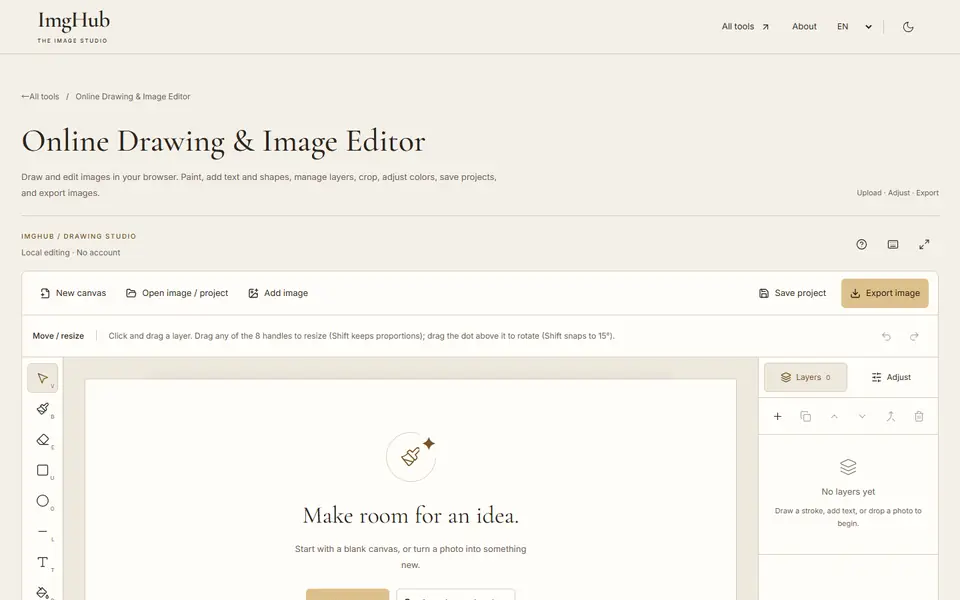
Draw and edit images in your browser: brushes, text, shapes, layers, crop and color adjustments, with saved projects and image export
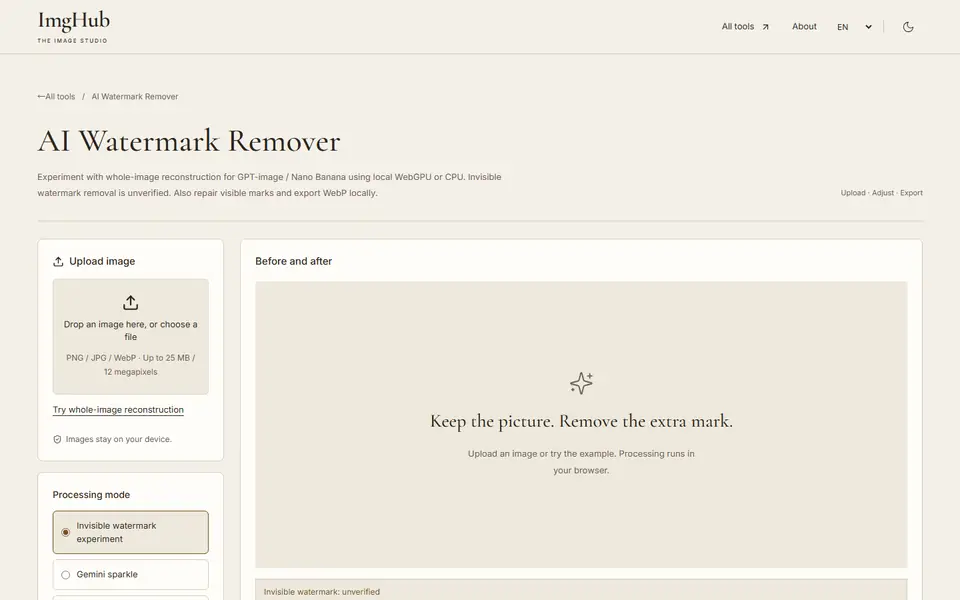
Experimental local AI reconstruction to repair visible watermarks and marks, running on WebGPU or CPU with WebP export