Is this for removing other people’s watermarks?
No. It is meant for images you generated or own. Removing a watermark from someone else’s work can infringe their rights.
AI Watermark Remover is an experimental browser tool for images you created with AI generators. It can rebuild a whole image to test against invisible watermarks from GPT-image or Nano Banana, restore the visible Gemini sparkle mark, repair small marked areas with local inpainting and strip metadata. Everything runs on your device, and removal of invisible watermarks is not verified.
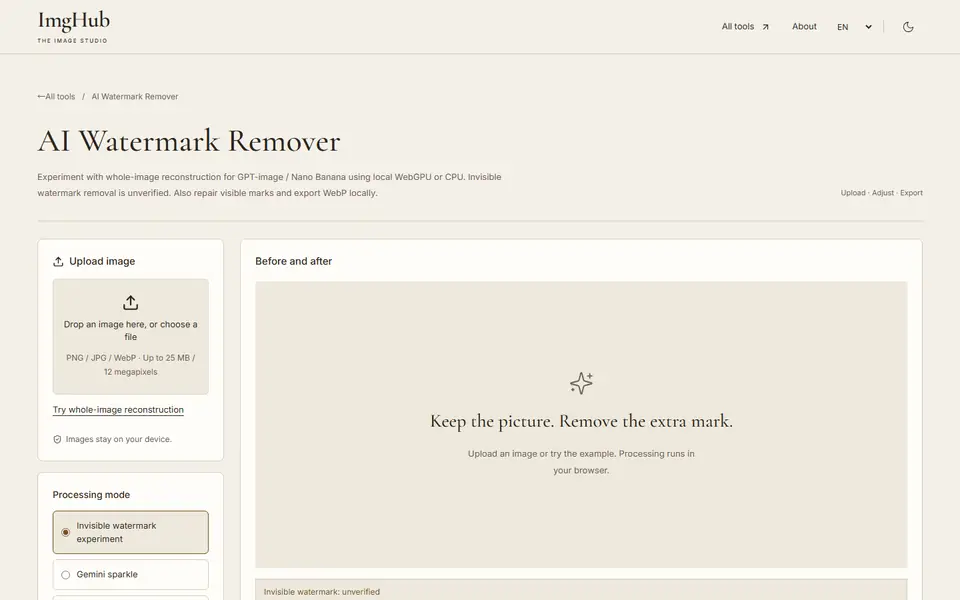
Upload a PNG, JPG or WebP image and choose the processing mode.

Choose GPU or CPU, the working resolution and the strength, then run it.

Compare the result with the original and check the quality figures, then export WebP.

Images stay on your device. Processing uses your browser’s WebGPU or CPU; there is no server and no API key.
No. It is meant for images you generated or own. Removing a watermark from someone else’s work can infringe their rights.
That is not verified. The tool has no SynthID detector, and the PSNR value only measures how much the pixels changed.
Yes, through WebGPU in supported browsers, with automatic fallback to the CPU.
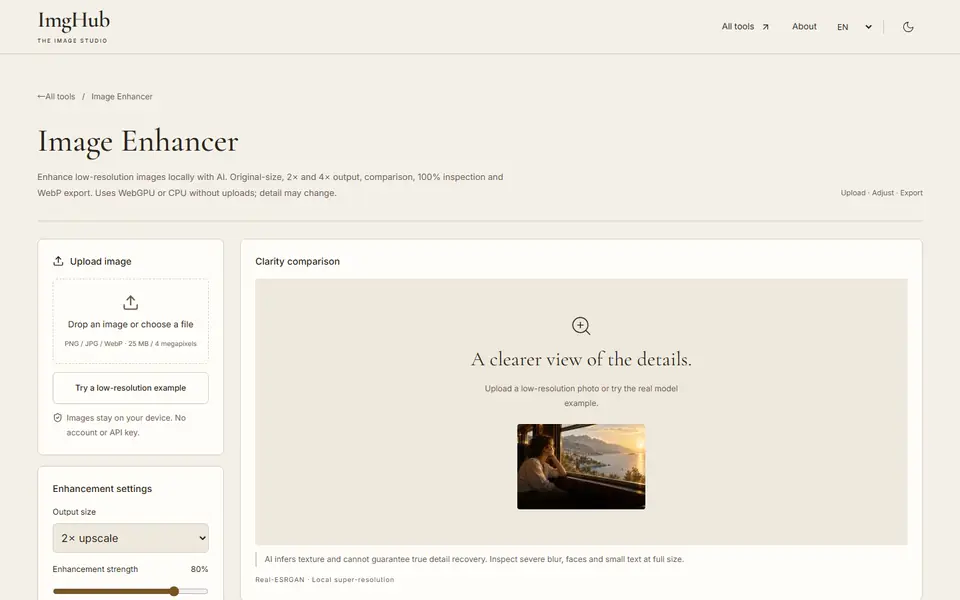
Enhance and upscale low-resolution images locally with AI at original size, 2× or 4×, with side-by-side comparison; WebGPU or CPU, no uploads

Draw and edit images in your browser: brushes, text, shapes, layers, crop and color adjustments, with saved projects and image export
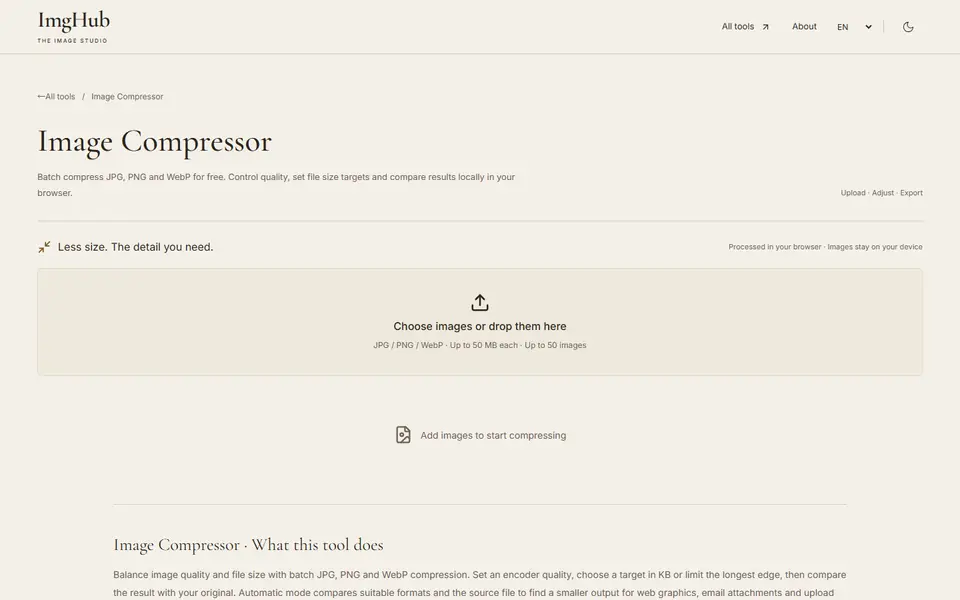
Free online batch image compression tool, supports JPG, PNG, WebP formats, local processing protects privacy