Can I open a PSD file?
No. The editor opens its own .imghub.json projects and common image formats such as PNG, JPG and WebP.
Online Drawing & Image Editor is a free browser workspace for drawing and everyday photo editing. You can start from a blank canvas or open a photo, add brush strokes, text and shapes on separate layers, crop and adjust colours, then save an editable project or export a PNG, JPG or WebP image.
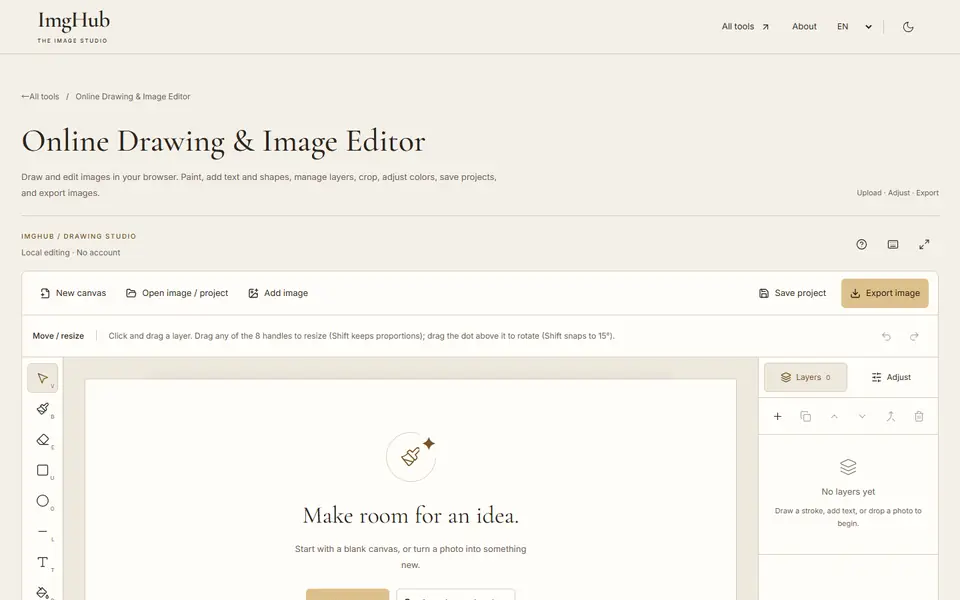
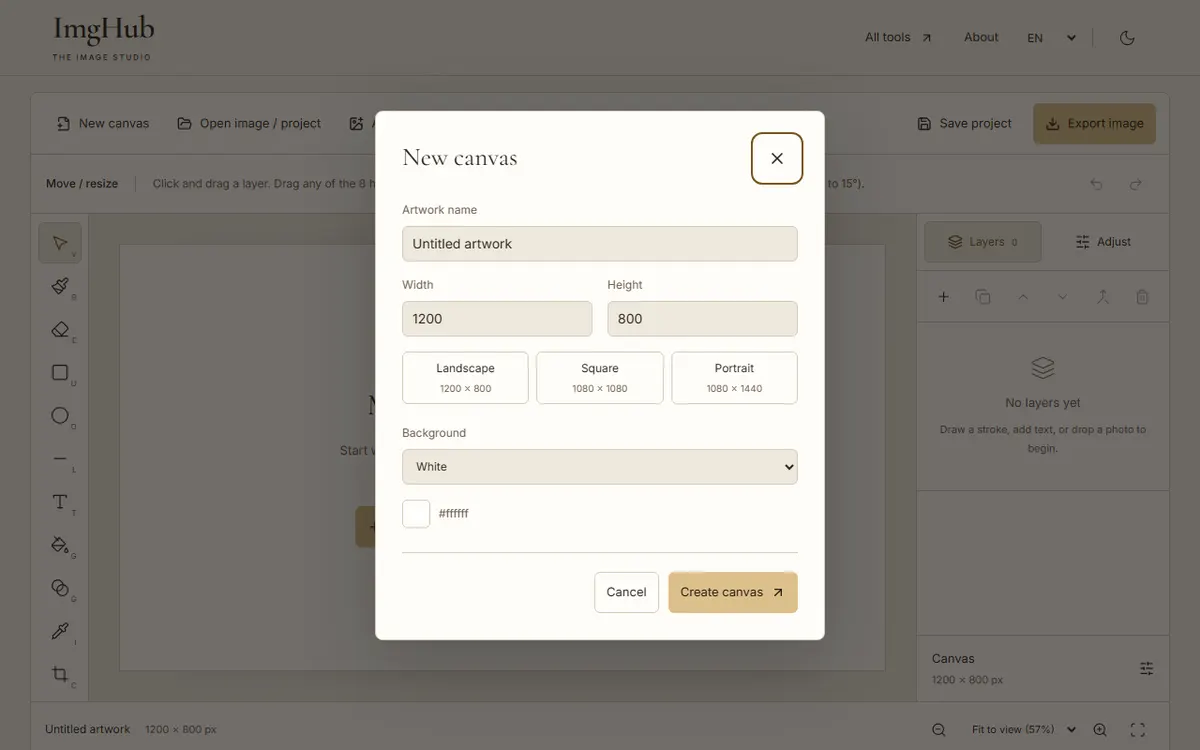
Create a canvas at the size you need, or open an image from your device.
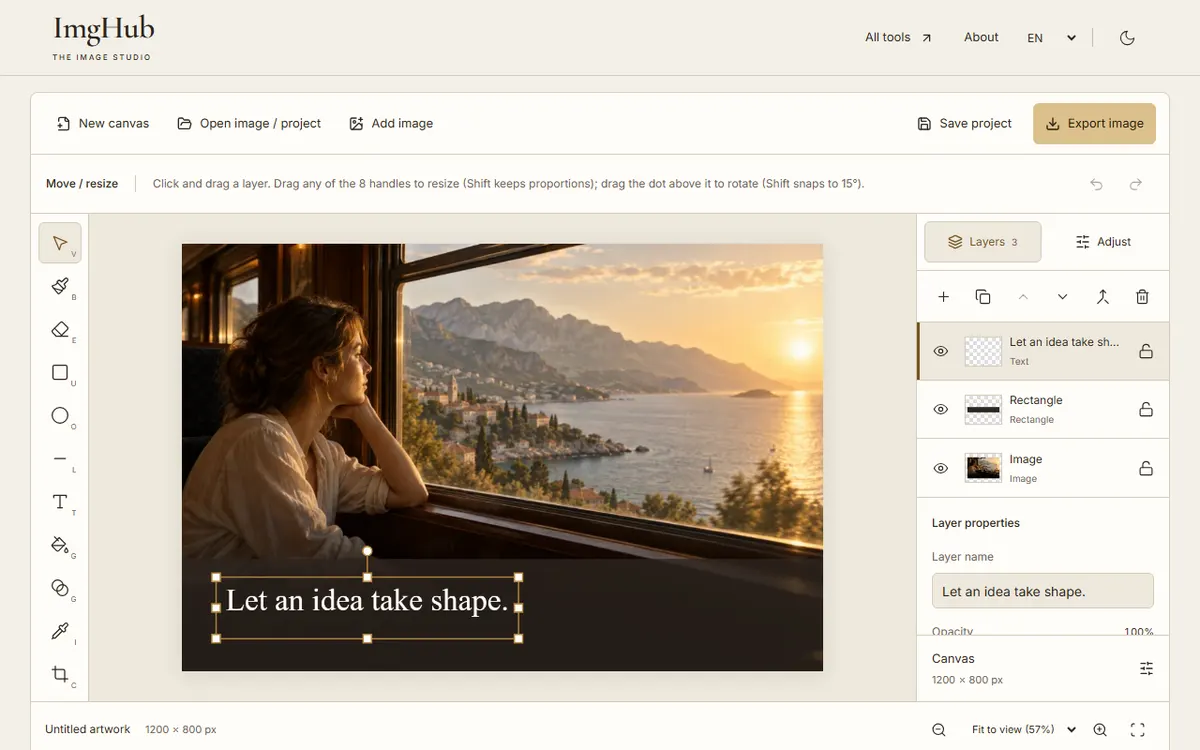
Add drawing, text or shape layers and adjust their position, size and colour.
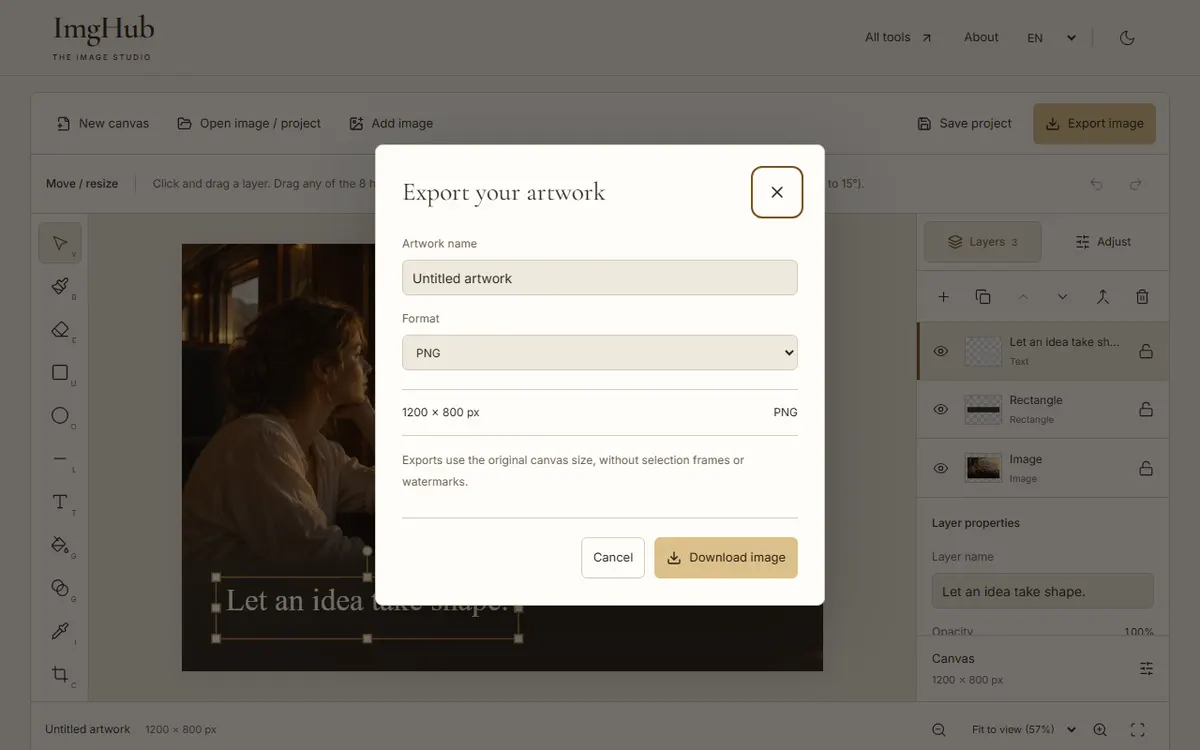
Save the project to keep editing later, or export the finished picture as PNG, JPG or WebP.
Editing happens in your browser. Images and projects are read from and saved to your own device, not uploaded.
No. The editor opens its own .imghub.json projects and common image formats such as PNG, JPG and WebP.
Not in the exported image, because it is flattened. Reopen the saved .imghub.json project to edit the original text and layers.
You set the canvas size yourself when creating it, so you can enter any width and height up to 4096 px.
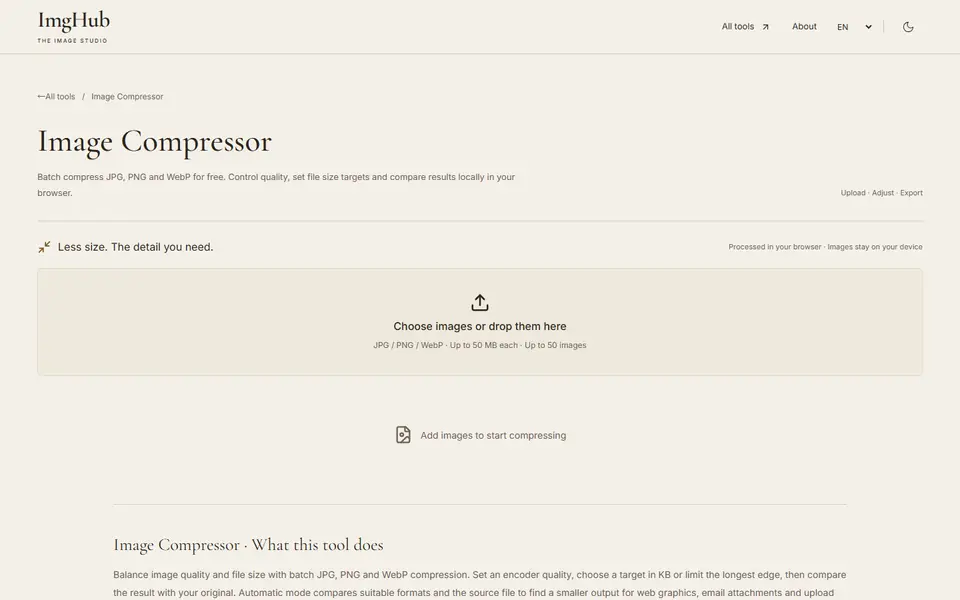
Free online batch image compression tool, supports JPG, PNG, WebP formats, local processing protects privacy
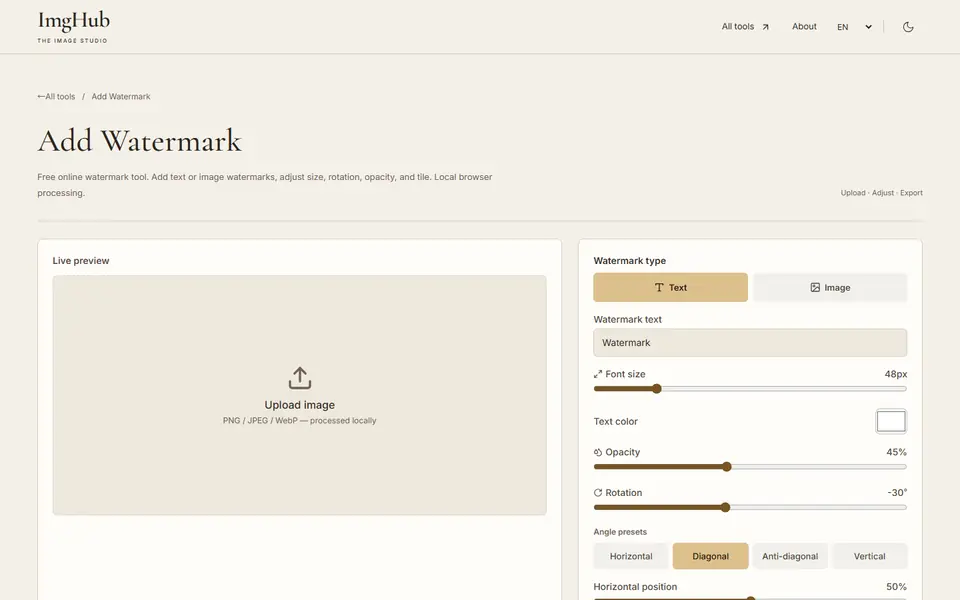
Add text or image watermarks with adjustable size, rotation, opacity and tiling, processed locally in your browser
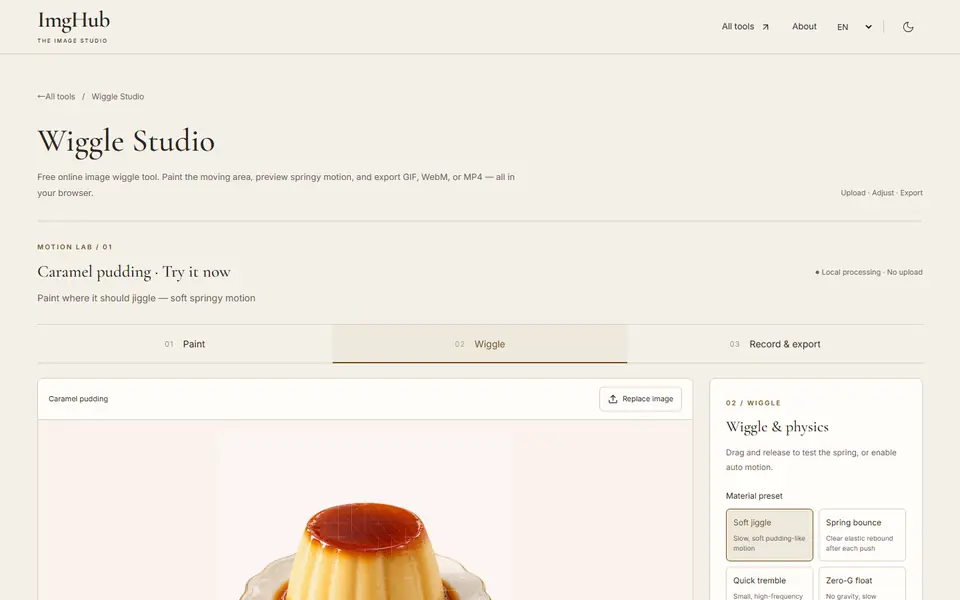
Paint the area that should move, preview springy jiggle motion and export it as GIF, WebM or MP4, all in your browser