Why is the MP4 button disabled?
Your browser cannot record that video codec. Choose GIF or WebM instead.
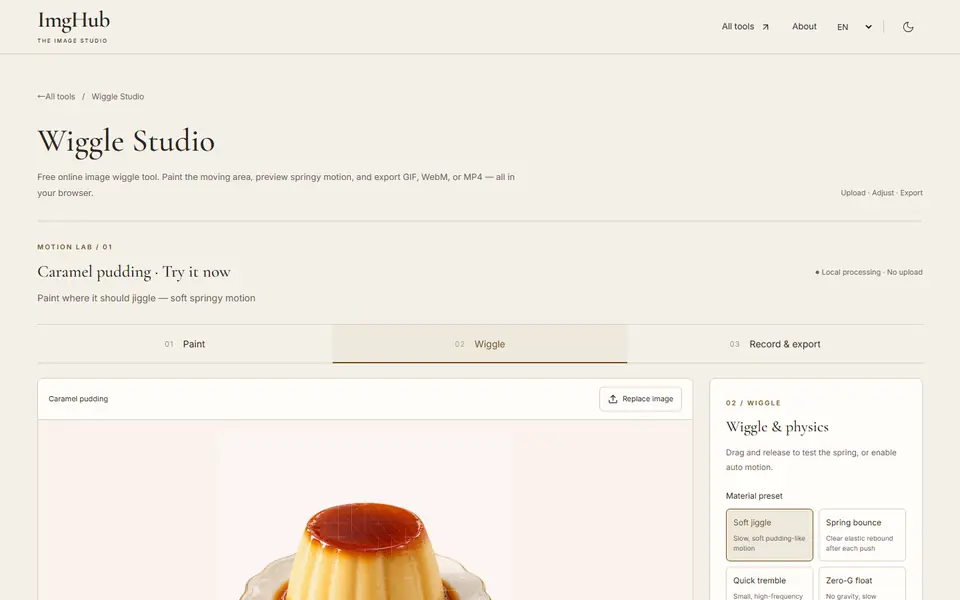
Wiggle Studio is a free browser tool that turns part of a still photo into springy, jiggly motion. You paint the area that should move, pick a motion preset and tune its strength and speed, then record a looping GIF, or a WebM or MP4 video if your browser supports it.
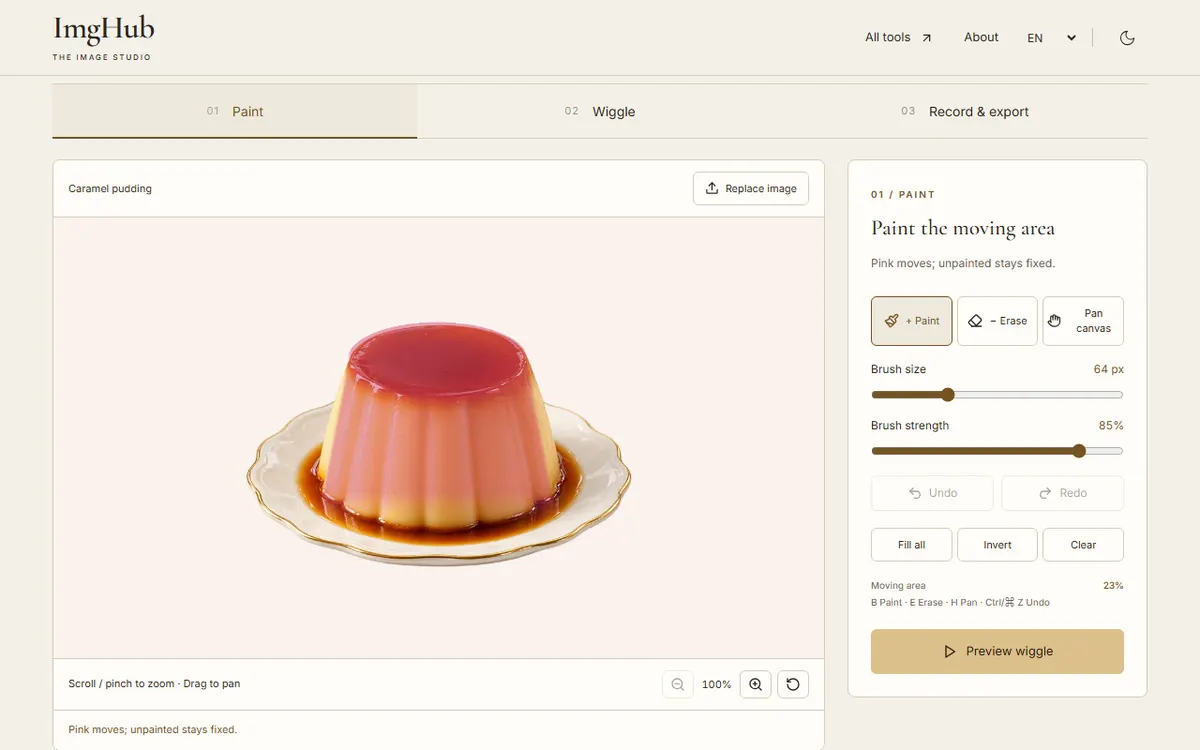
Upload a PNG, JPG or WebP photo and paint the area you want to wiggle.
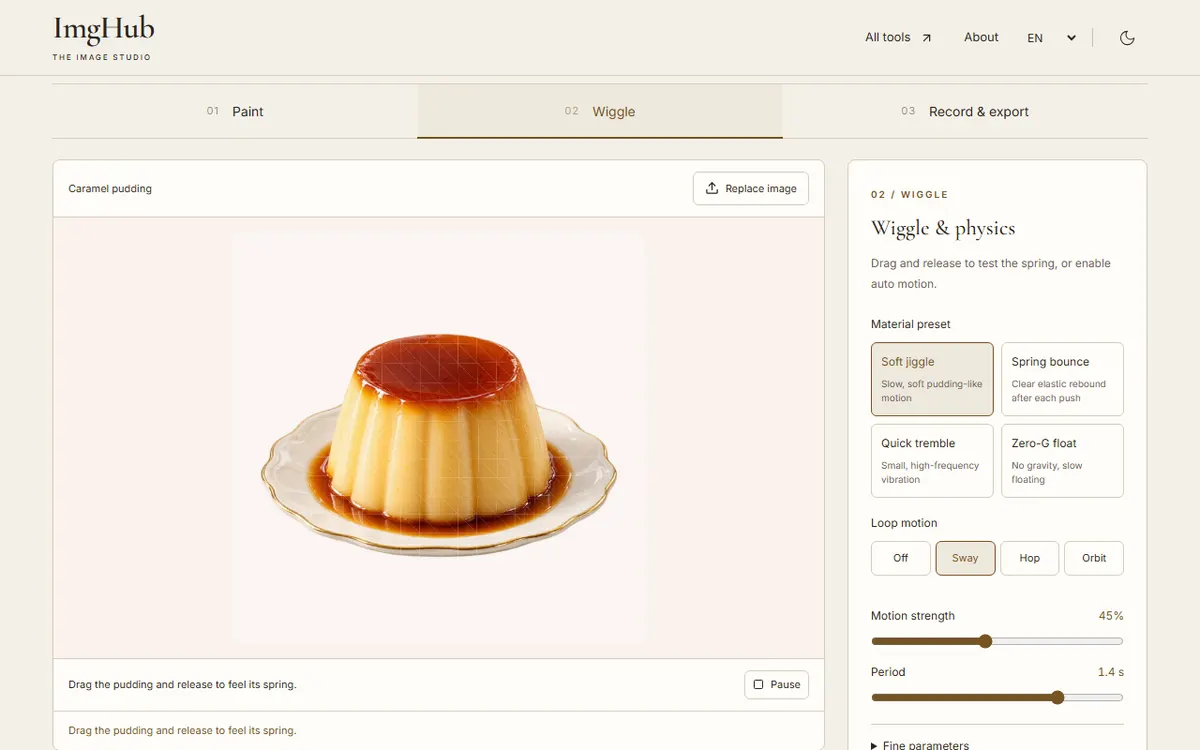
Choose a motion preset, adjust intensity and speed, and preview or drag the effect.
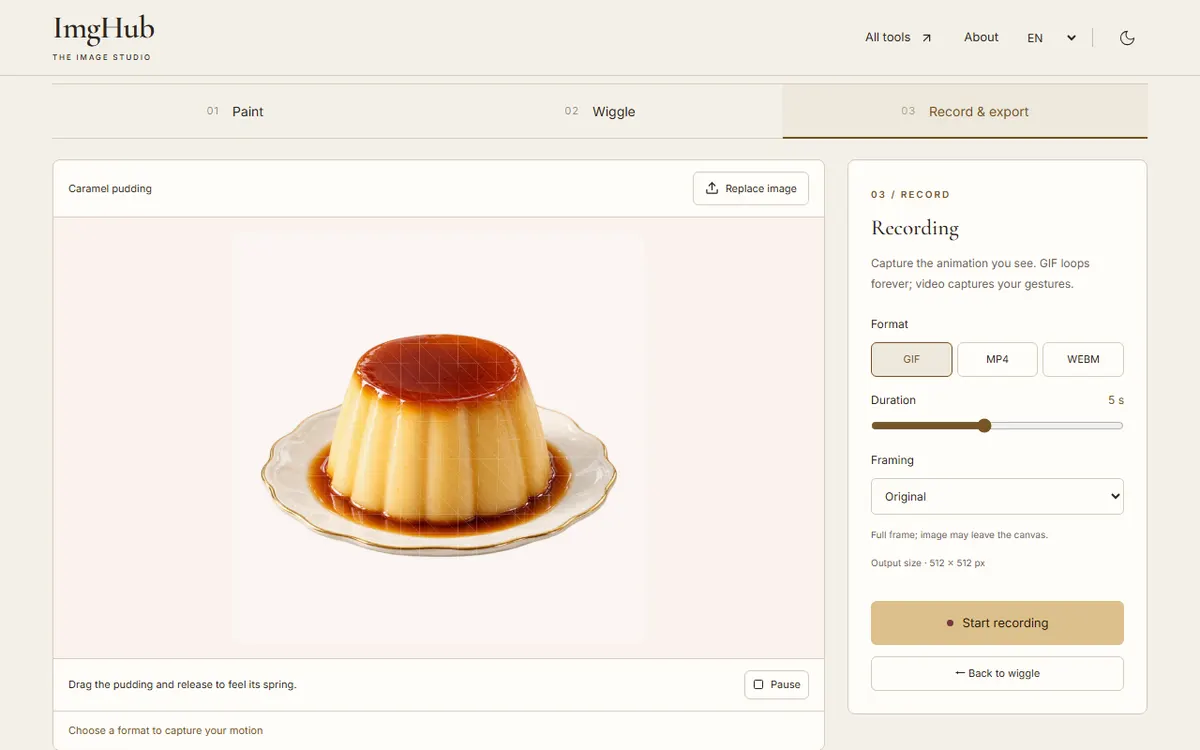
Choose a format and a duration of 1 to 10 seconds, record, and download the animation.
The photo is animated and recorded in your browser and is not uploaded.
Your browser cannot record that video codec. Choose GIF or WebM instead.
Yes. Paint just that object and leave the background unpainted.
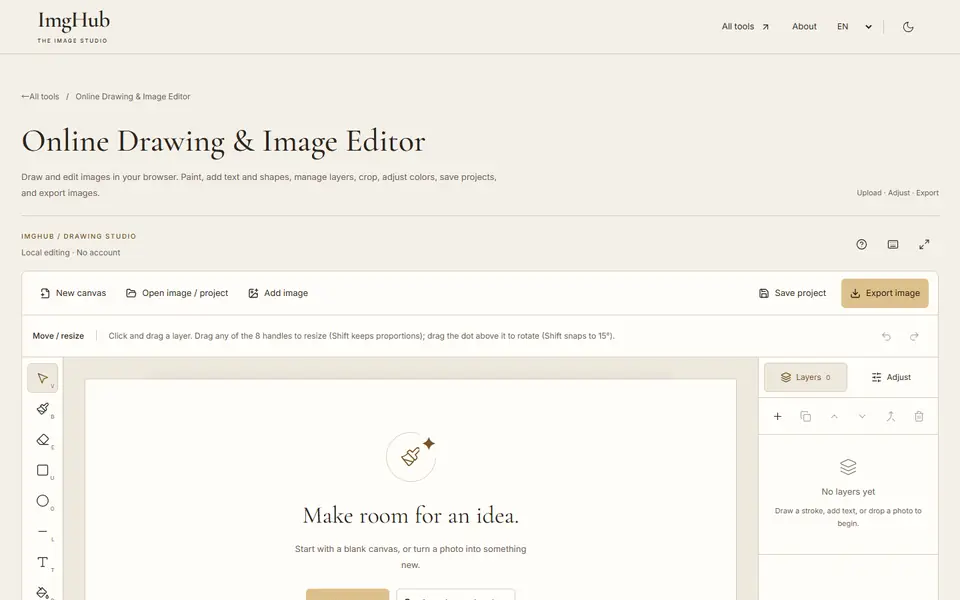
Draw and edit images in your browser: brushes, text, shapes, layers, crop and color adjustments, with saved projects and image export
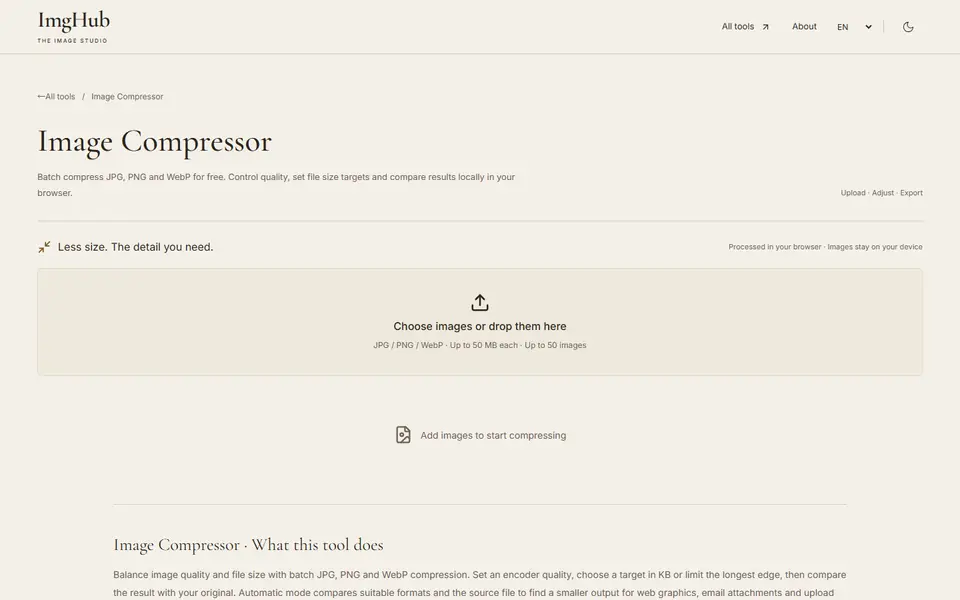
Free online batch image compression tool, supports JPG, PNG, WebP formats, local processing protects privacy
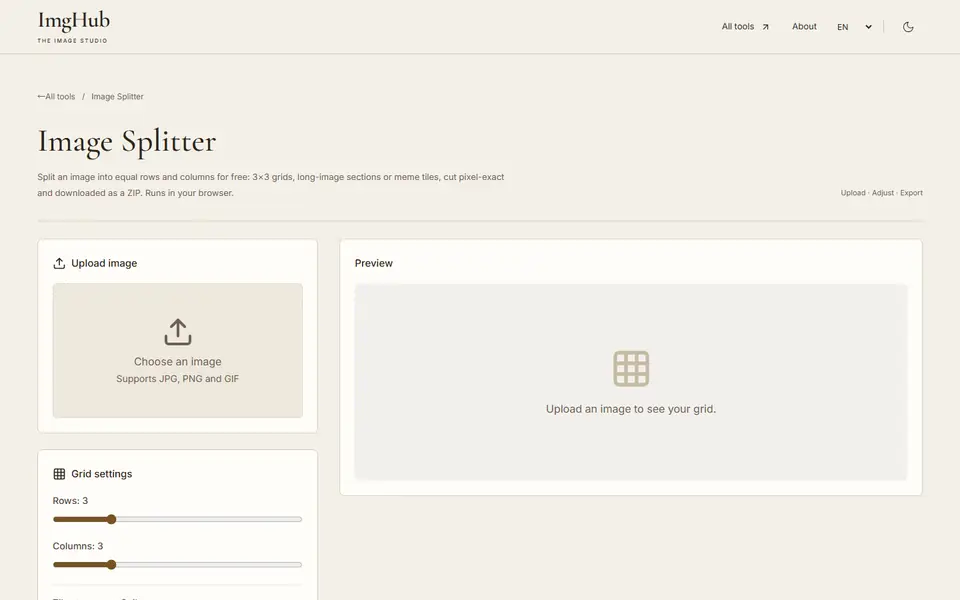
Meme slicing tool, upload images with custom rows and columns, batch export sliced images as ZIP