Why did my image barely shrink?
It was probably already well compressed. At the same dimensions, automatic mode keeps the smaller original instead of re-encoding it larger. Lower the quality or the longest edge to go further.
PicPress Image Compressor is a free online tool that makes JPG, PNG and WebP files smaller in your browser. You can compress many images at once, choose an encoder quality or a target size in KB, limit the longest edge, compare before and after, and download single files or a ZIP.
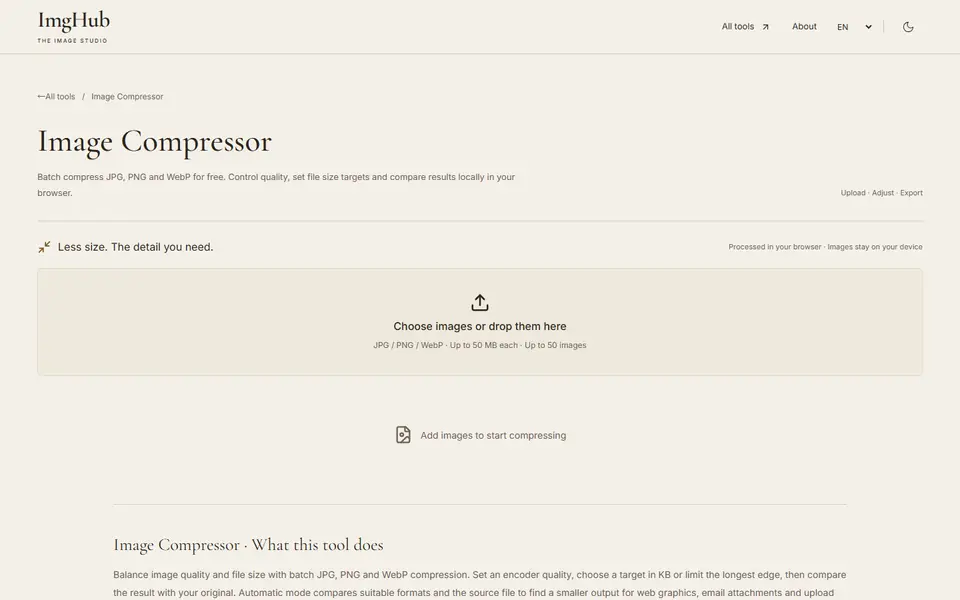
Upload or drag in one or more JPG, PNG or WebP images.
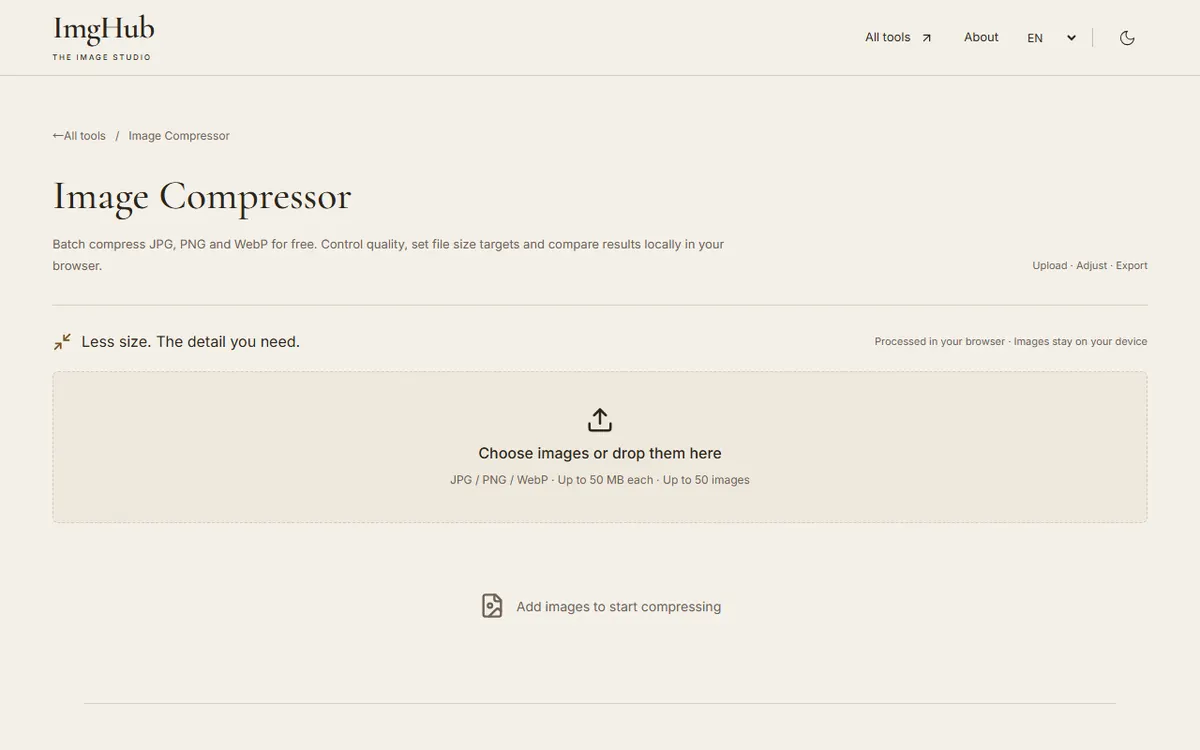
Choose quality mode or target-size mode, then set the output format and longest edge if needed.
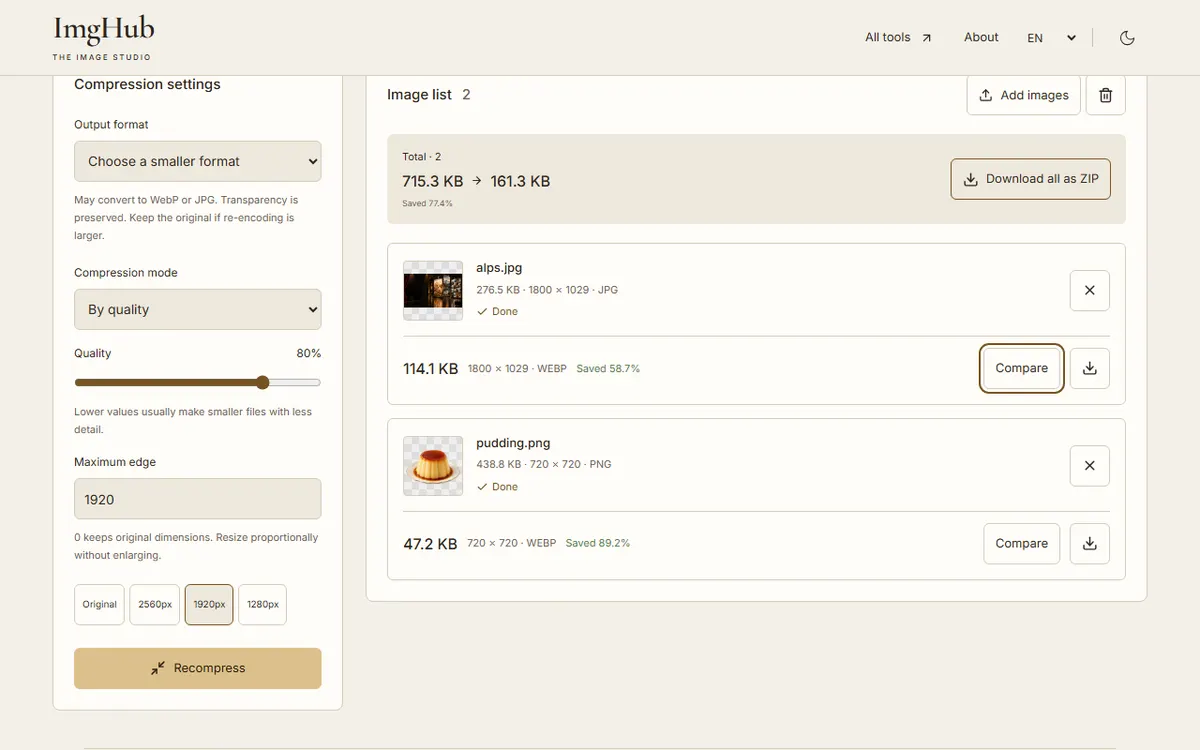
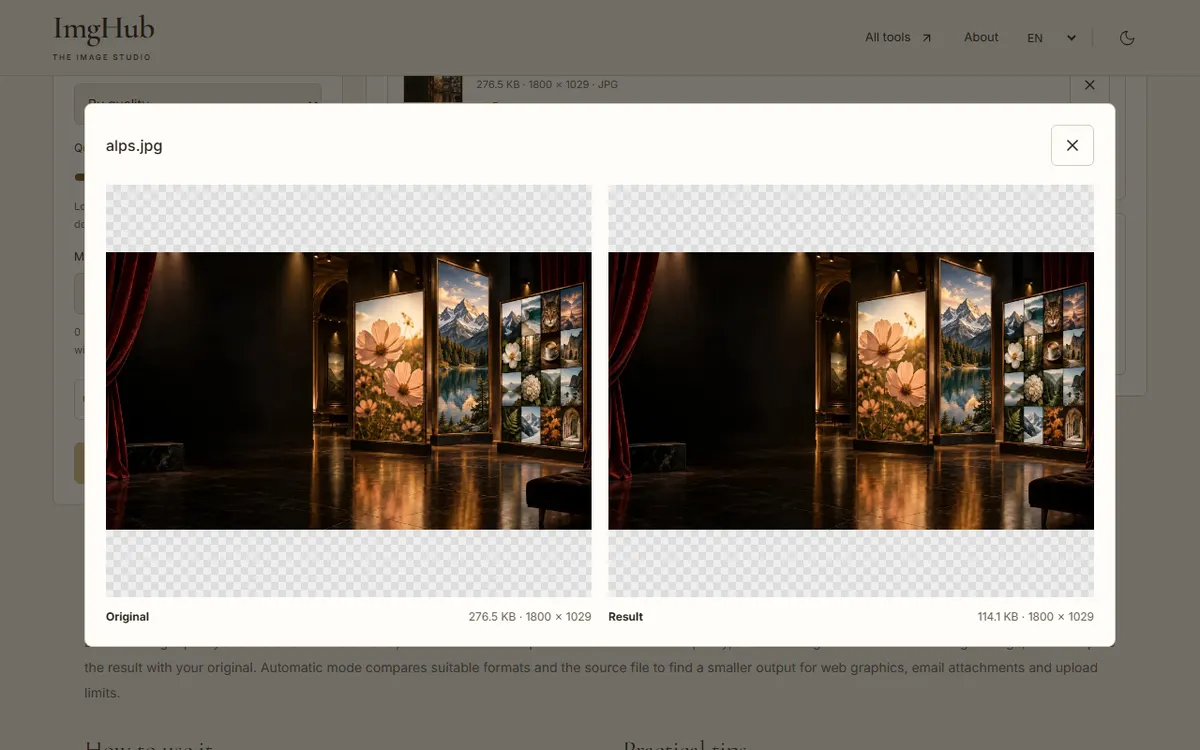
Start compressing, compare the results and their sizes, and download single files or a ZIP.
Images are compressed locally in your browser and are not uploaded to any server.
It was probably already well compressed. At the same dimensions, automatic mode keeps the smaller original instead of re-encoding it larger. Lower the quality or the longest edge to go further.
Switch to target-size mode and enter 200. The tool searches for a suitable quality and, if you allow it, scales the image down proportionally.
Yes. Choose the output format before compressing.
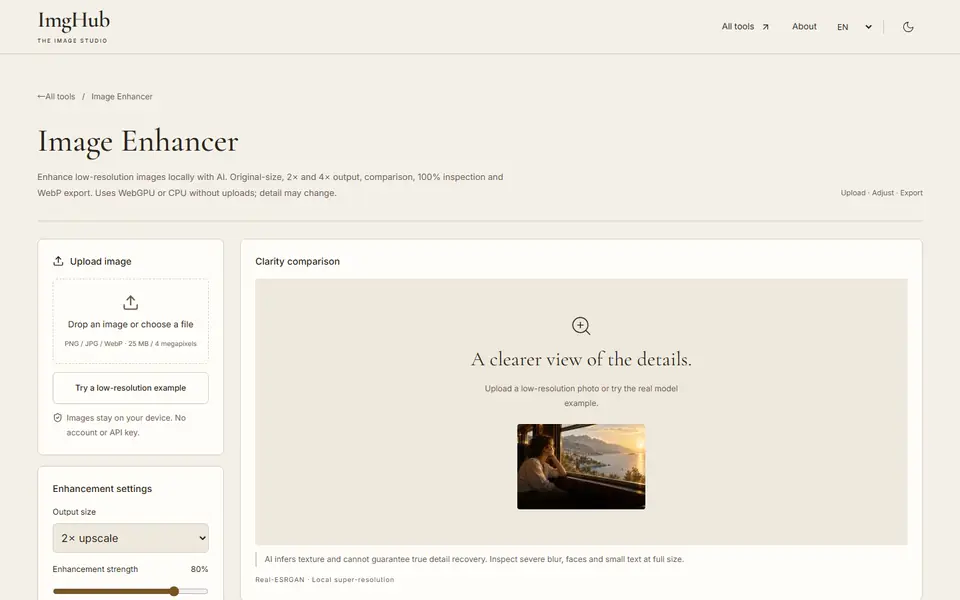
Enhance and upscale low-resolution images locally with AI at original size, 2× or 4×, with side-by-side comparison; WebGPU or CPU, no uploads
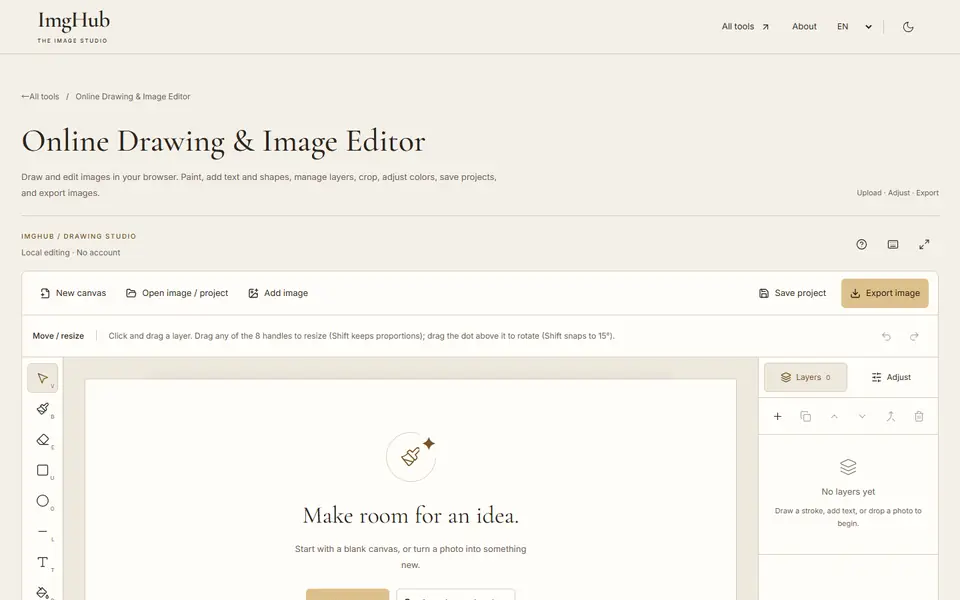
Draw and edit images in your browser: brushes, text, shapes, layers, crop and color adjustments, with saved projects and image export
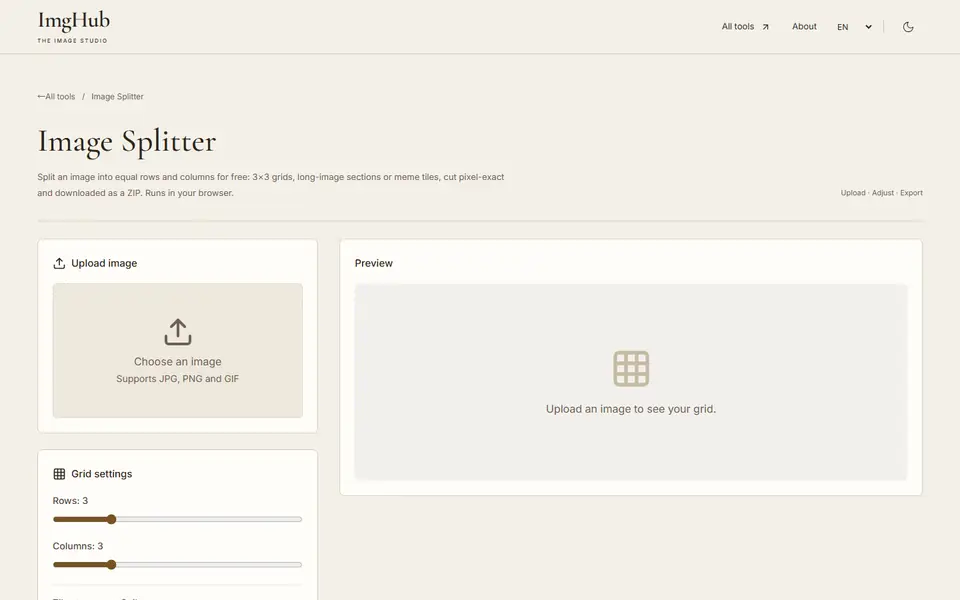
Meme slicing tool, upload images with custom rows and columns, batch export sliced images as ZIP