Can I use my own logo?
Yes. Choose the image watermark, upload your logo and adjust its scale, opacity and rotation.
Add Watermark is a free online tool for putting a text or logo watermark on a photo before you share it. You can change the size, position, angle and opacity, or repeat the watermark across the whole image, preview the result and download it as PNG, JPG or WebP.
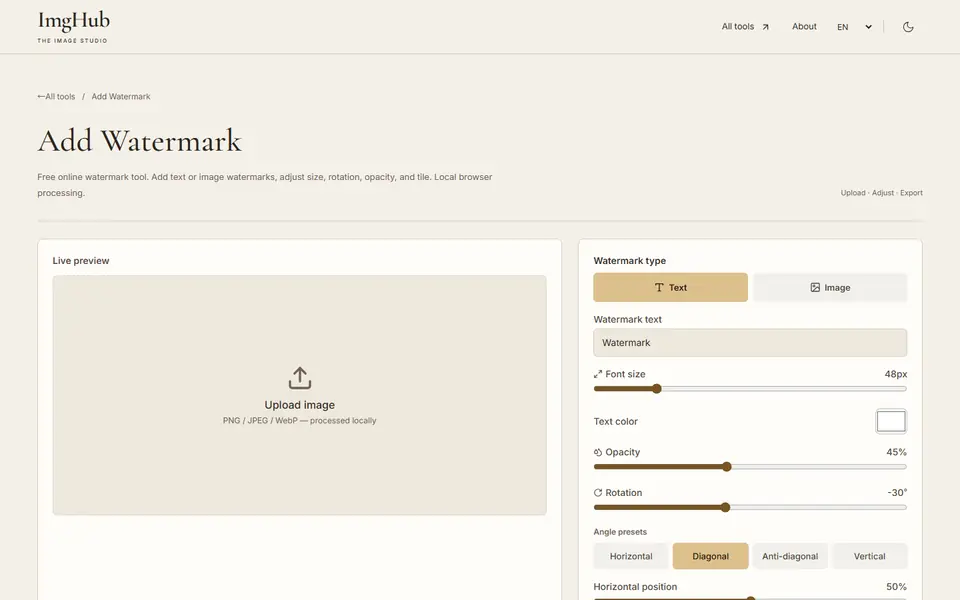
Upload the photo you want to protect and choose a text or image watermark.
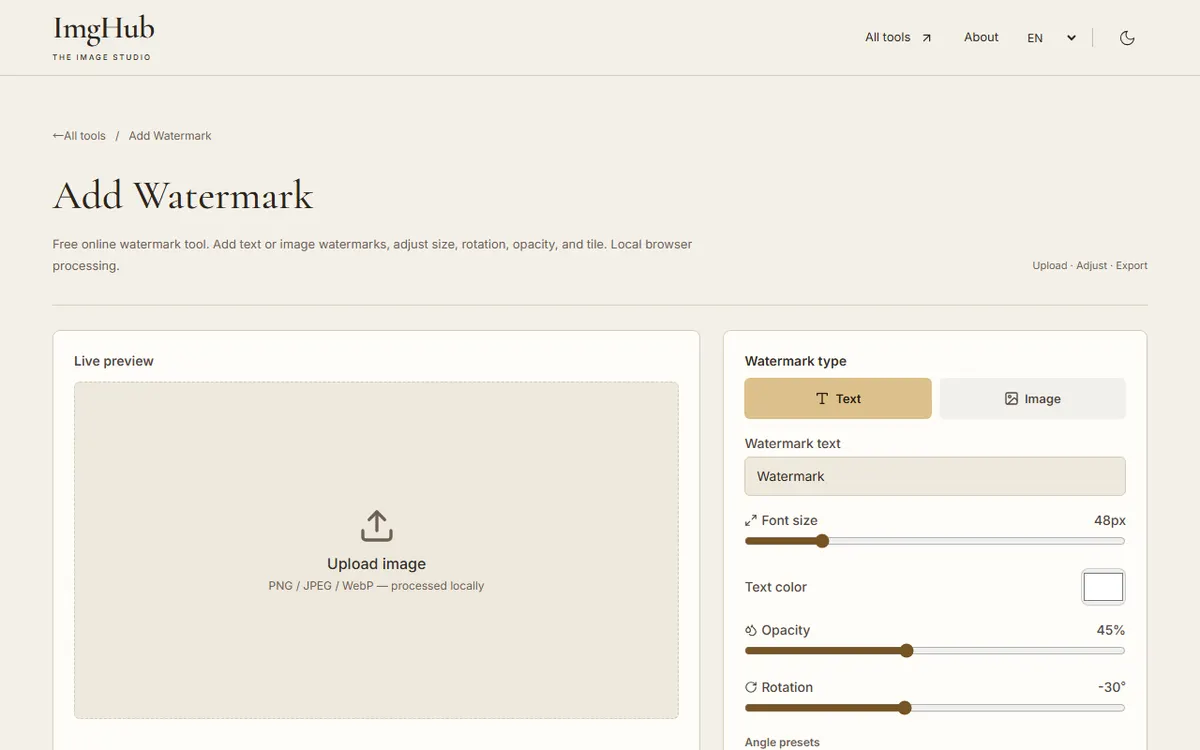
Type your text or upload a logo, then adjust size, opacity, angle and position; turn on tiling to repeat it.
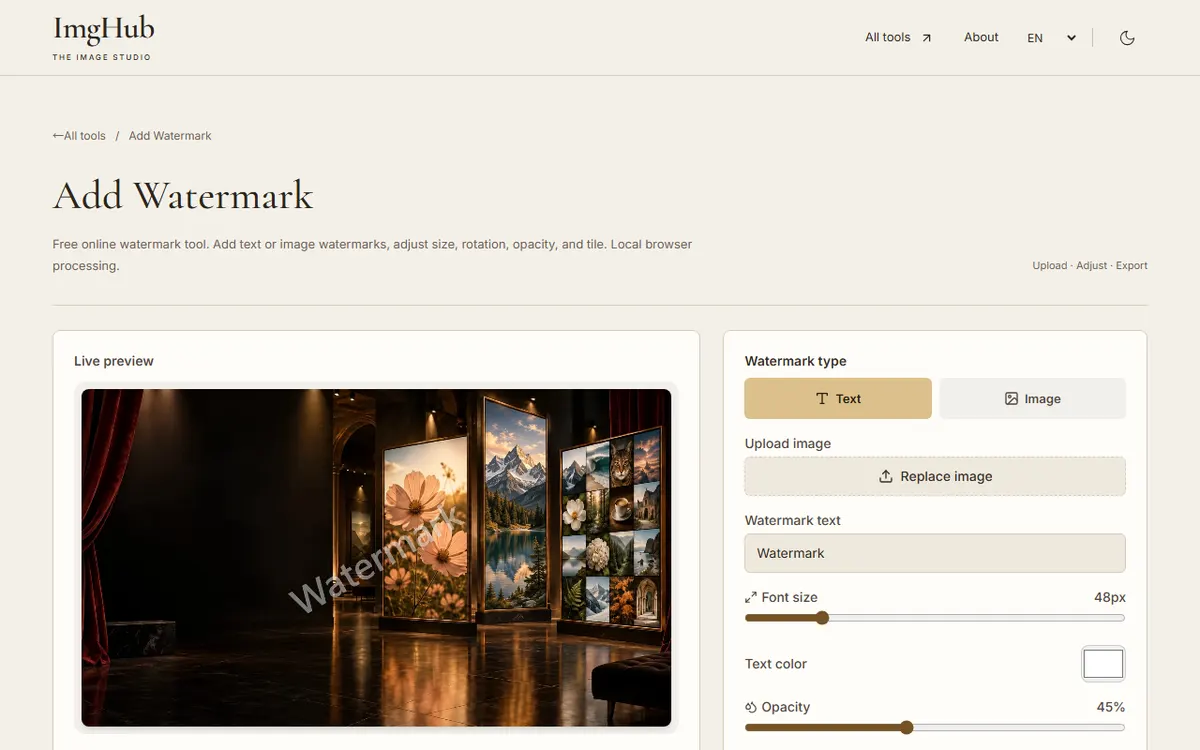
Check that the watermark reads well on light and dark areas, then download the image.
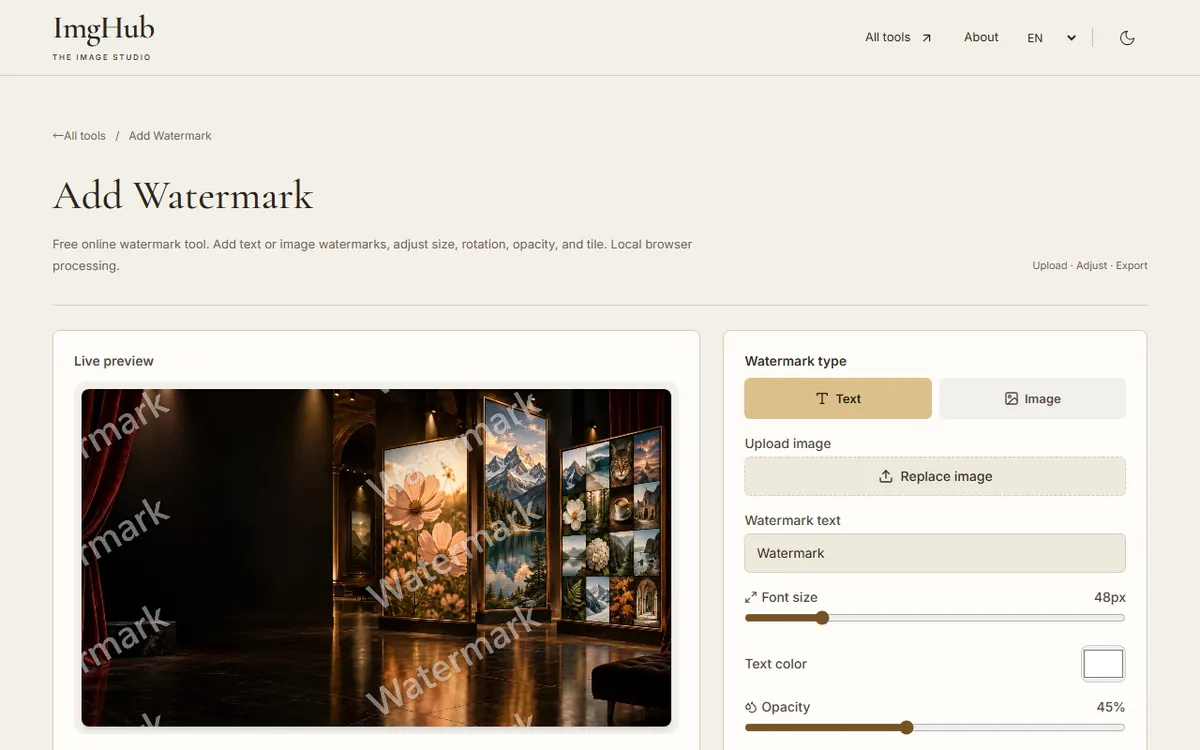
Both the photo and the logo are processed in your browser and are not uploaded.
Yes. Choose the image watermark, upload your logo and adjust its scale, opacity and rotation.
Turn on tiling and adjust the spacing, angle and opacity. Turn it off to place a single watermark.

Draw and edit images in your browser: brushes, text, shapes, layers, crop and color adjustments, with saved projects and image export

Free online batch image compression tool, supports JPG, PNG, WebP formats, local processing protects privacy
Experimental local AI reconstruction to repair visible watermarks and marks, running on WebGPU or CPU with WebP export