Why is the maximum resolution missing?
The video does not provide a maxres image. Pick the standard or high-quality option instead.
Video Thumbnail Downloader is a free online tool that fetches the cover image of a YouTube or Bilibili video. Paste a link or a BV/AV ID, compare the available sizes, and download the cover as WebP for notes, references or layout research.
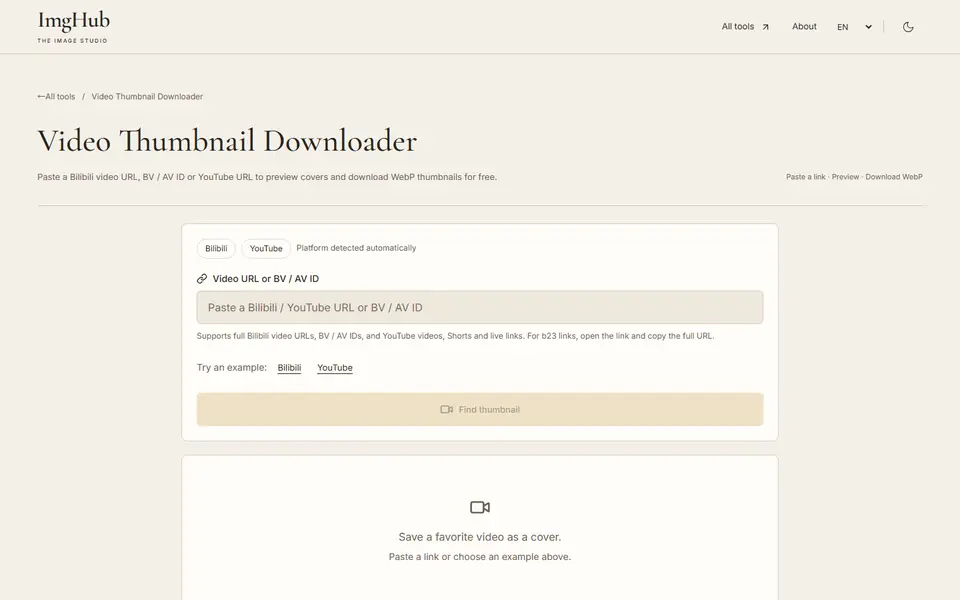
Paste a YouTube link, a full Bilibili video link or a BV/AV ID.
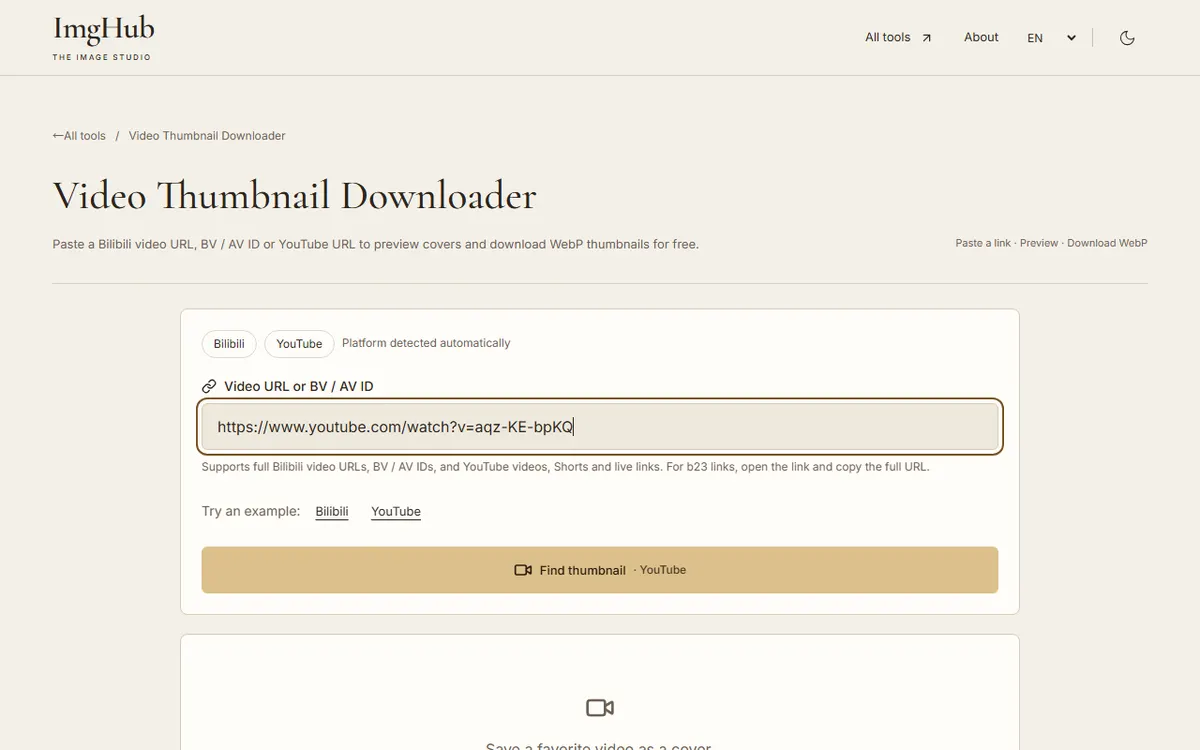
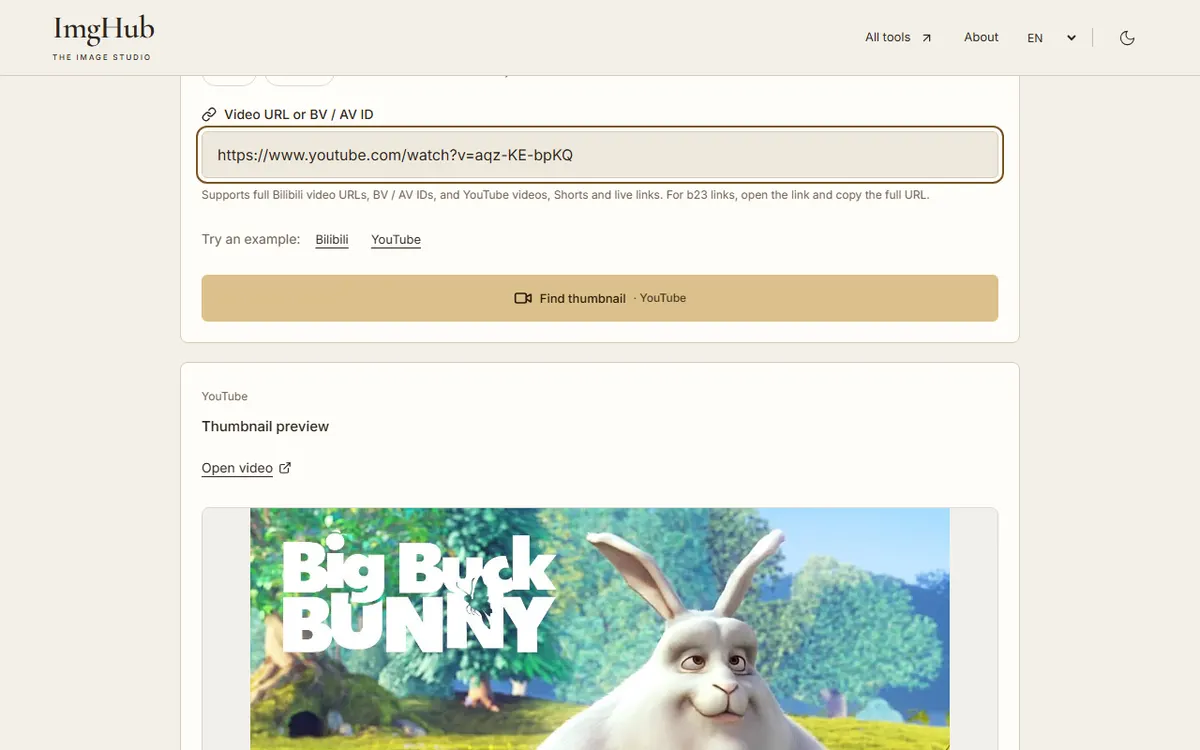
Fetch the cover and compare the available quality options.
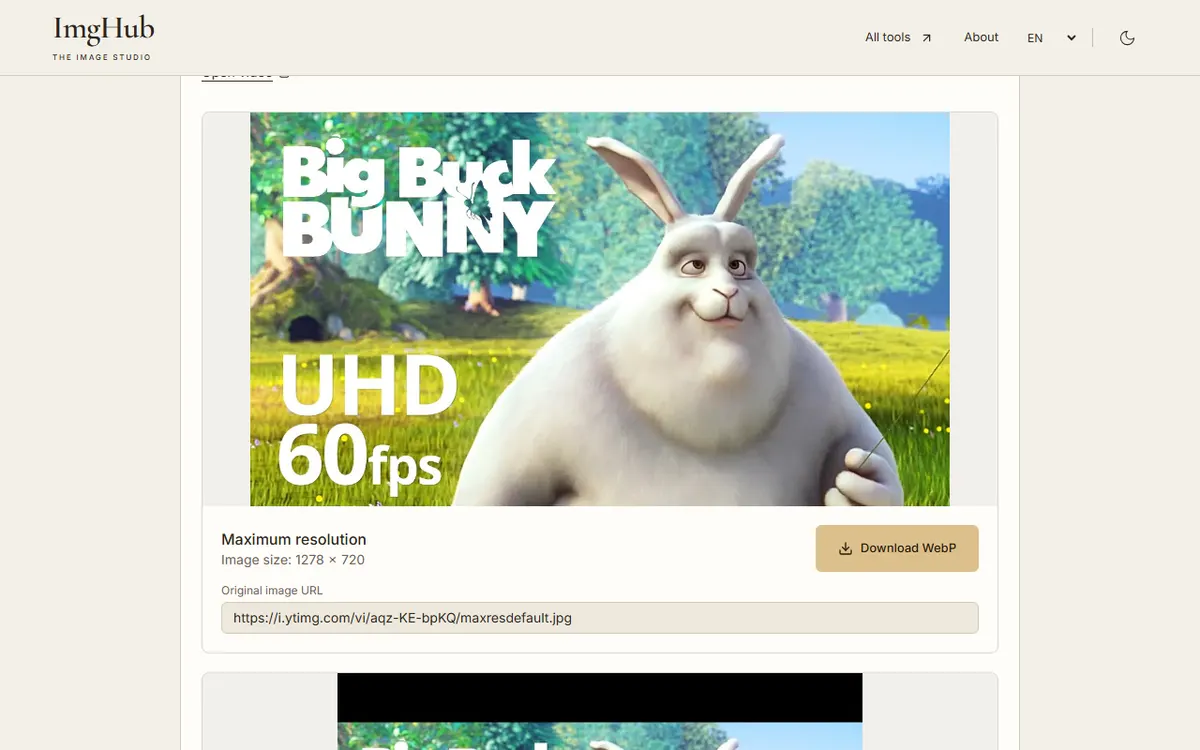
Choose an image and download it as WebP, or open the video to check it.
Your browser requests the cover directly from YouTube or Bilibili. The link is not sent to OumaShu or ImgHub servers.
The video does not provide a maxres image. Pick the standard or high-quality option instead.
No. It only saves the still cover image.
Thumbnails belong to their creators. Use them for reference or with permission.
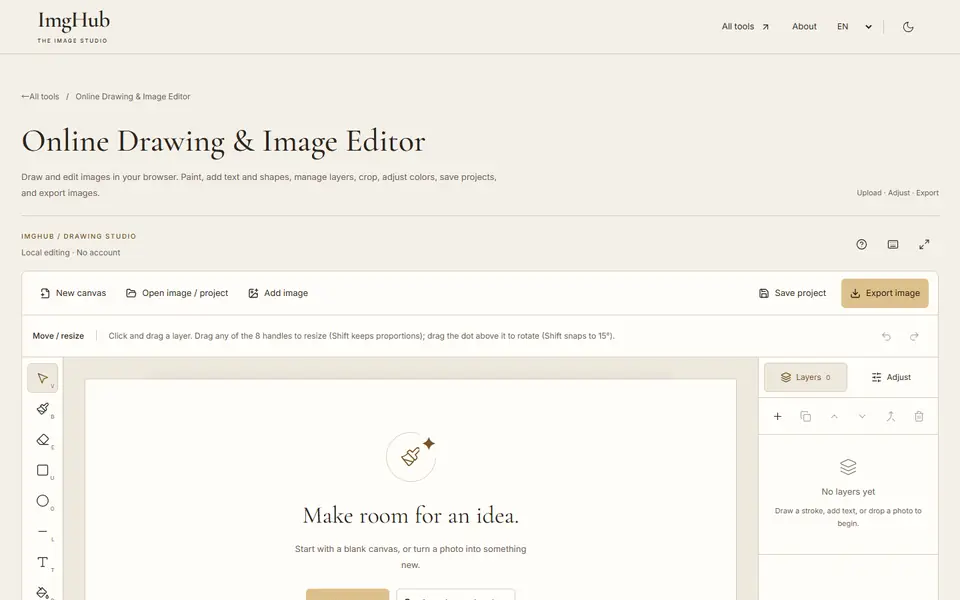
Draw and edit images in your browser: brushes, text, shapes, layers, crop and color adjustments, with saved projects and image export
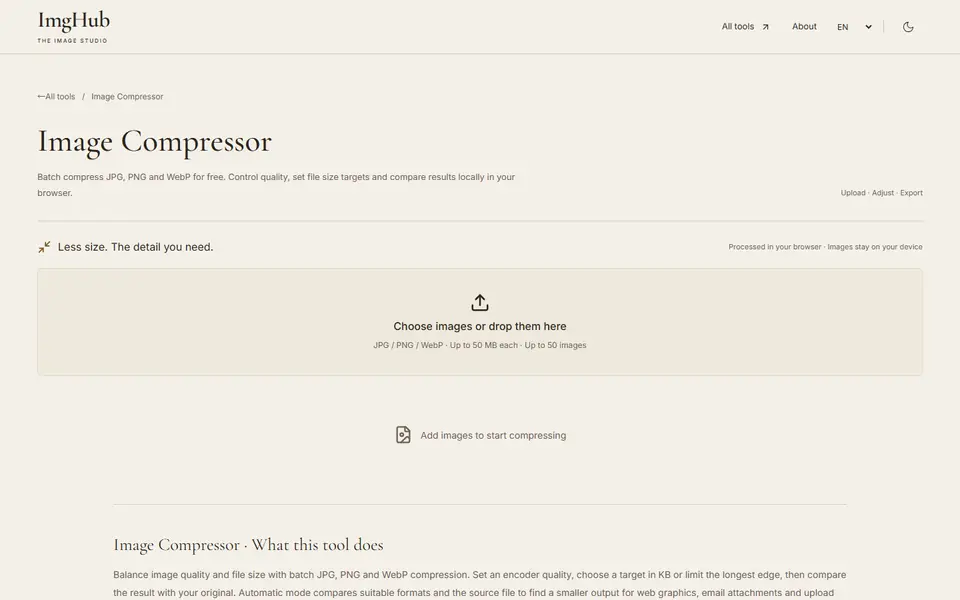
Free online batch image compression tool, supports JPG, PNG, WebP formats, local processing protects privacy
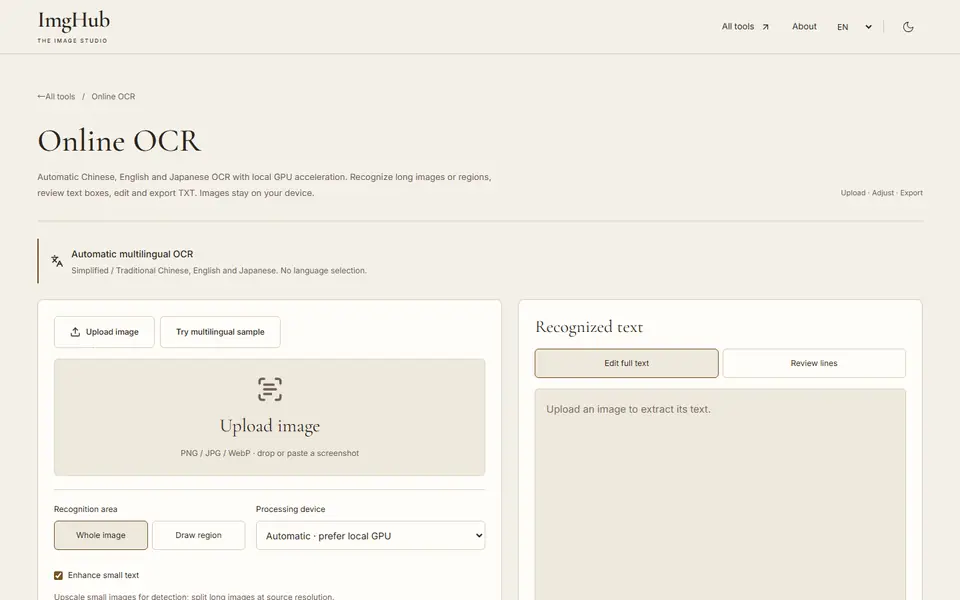
Extract Chinese, English and Japanese text from images with local GPU acceleration; long images, regions, editable text and TXT export