Do I have to choose the language?
No. One joint model reads Simplified Chinese, Traditional Chinese, English and Japanese, including images that mix them.
Online OCR is a free image-to-text tool that reads text from screenshots and photos directly in your browser with the PP-OCRv5 model. It recognises Simplified Chinese, Traditional Chinese, English and Japanese, even mixed in one image, without choosing a language, and lets you check every line before copying or downloading the text.
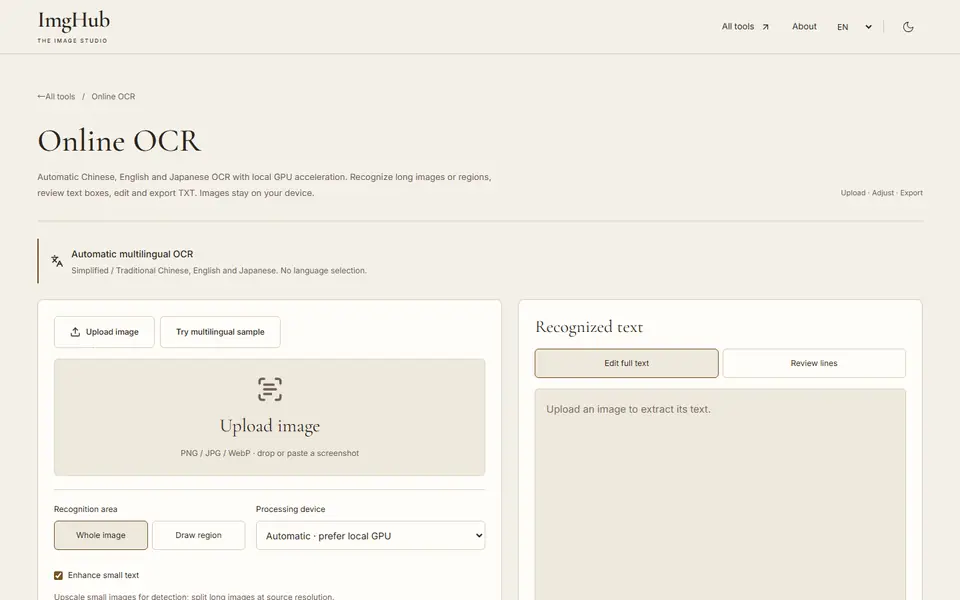
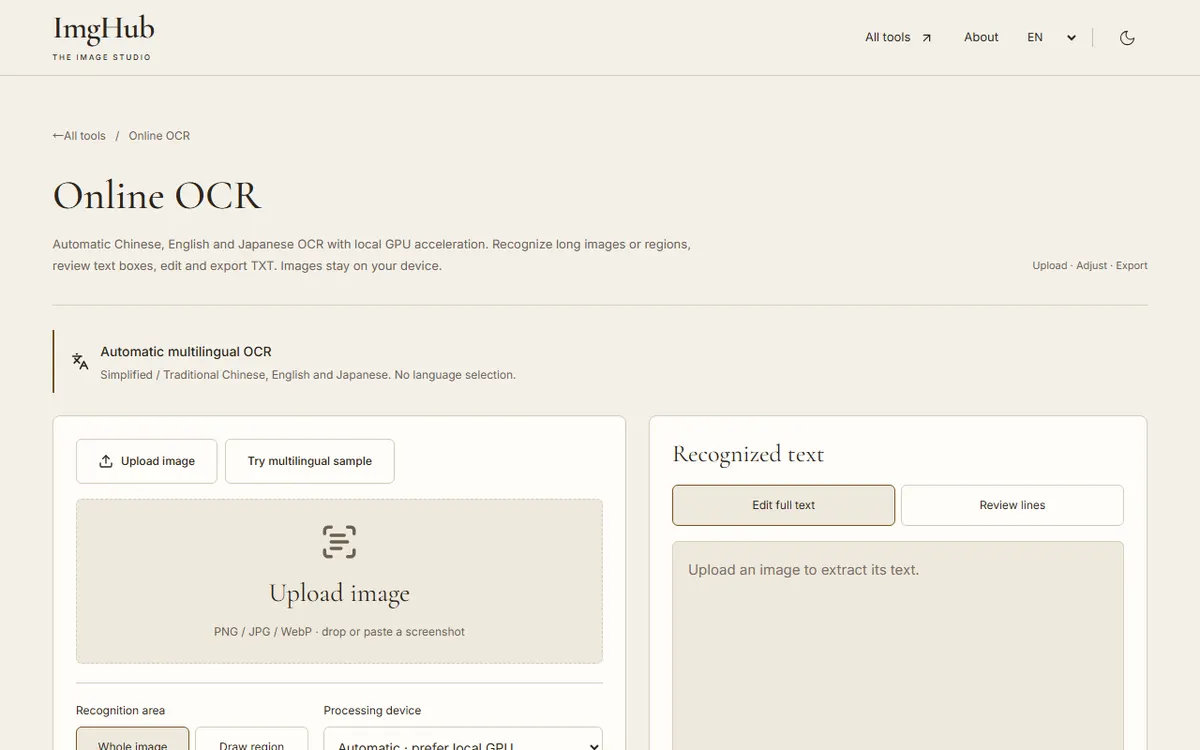
Upload a PNG, JPG or WebP image, paste a screenshot, or load the multilingual sample.
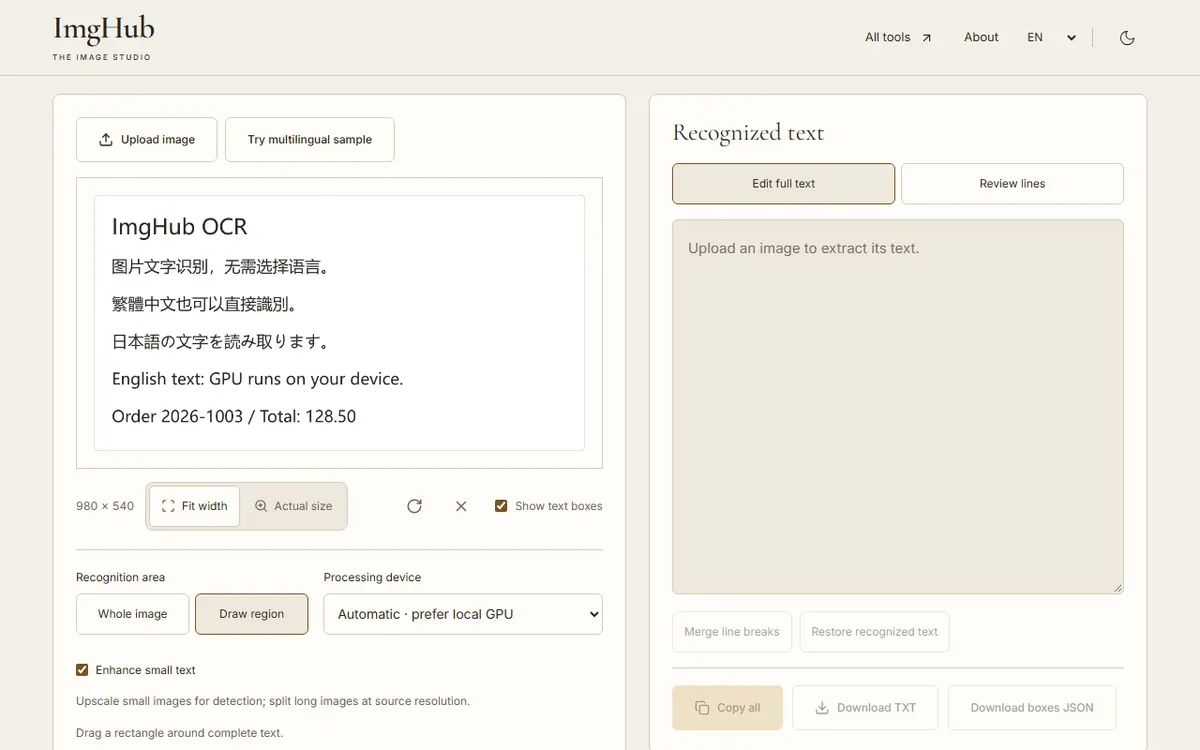
Keep automatic recognition, or select a region, rotate the image or turn on small-text enhancement.
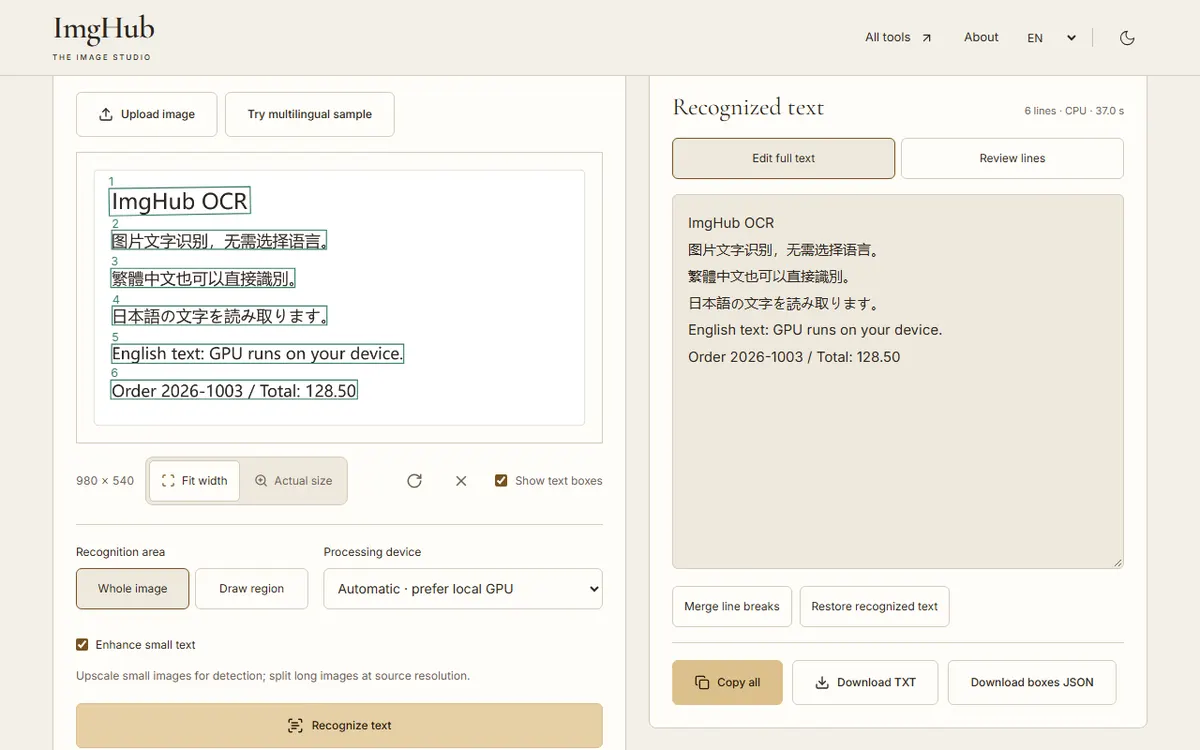
Run recognition, compare low-confidence lines with the image, then edit and copy or download the text.
Images are processed in your browser and never uploaded. Only the OCR engine and model files are downloaded.
No. One joint model reads Simplified Chinese, Traditional Chinese, English and Japanese, including images that mix them.
Yes. Automatic mode prefers WebGPU and falls back to your CPU, which takes longer but gives the same result.
Yes, up to 16,000 px tall. Long images are split into overlapping tiles and duplicate lines are removed.
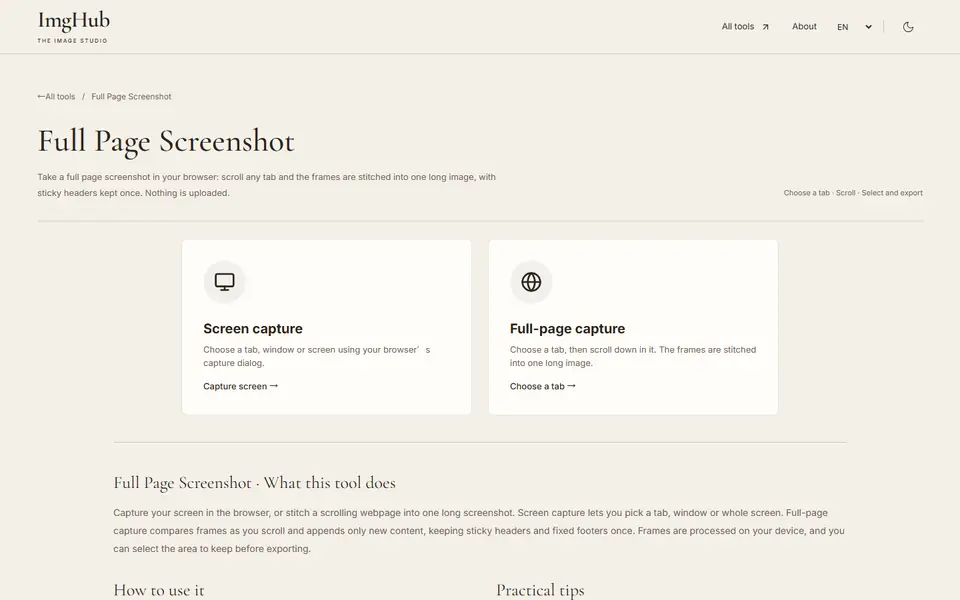
Scroll any page and stitch it into one long screenshot with sticky headers kept once, or capture your screen; nothing is uploaded
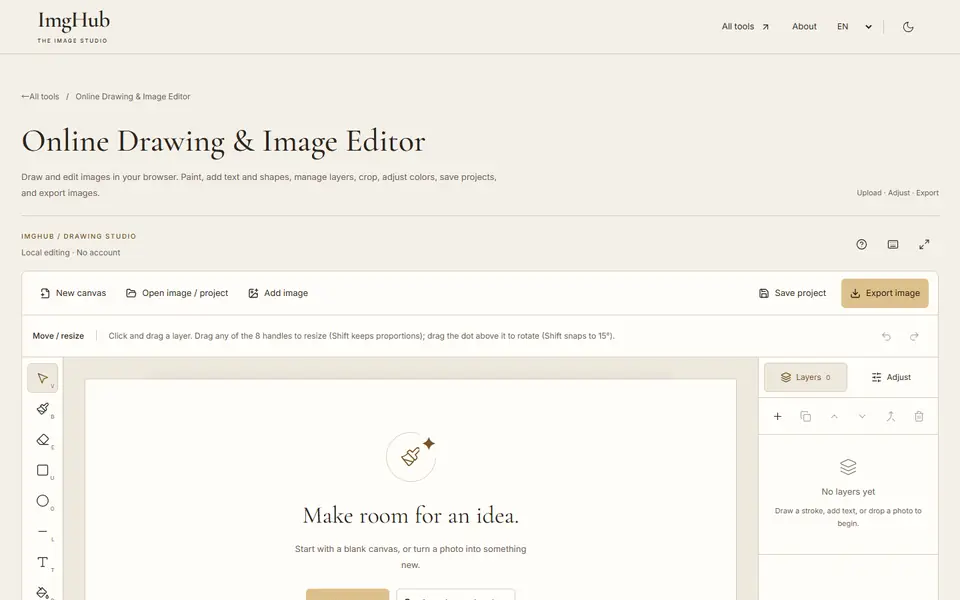
Draw and edit images in your browser: brushes, text, shapes, layers, crop and color adjustments, with saved projects and image export
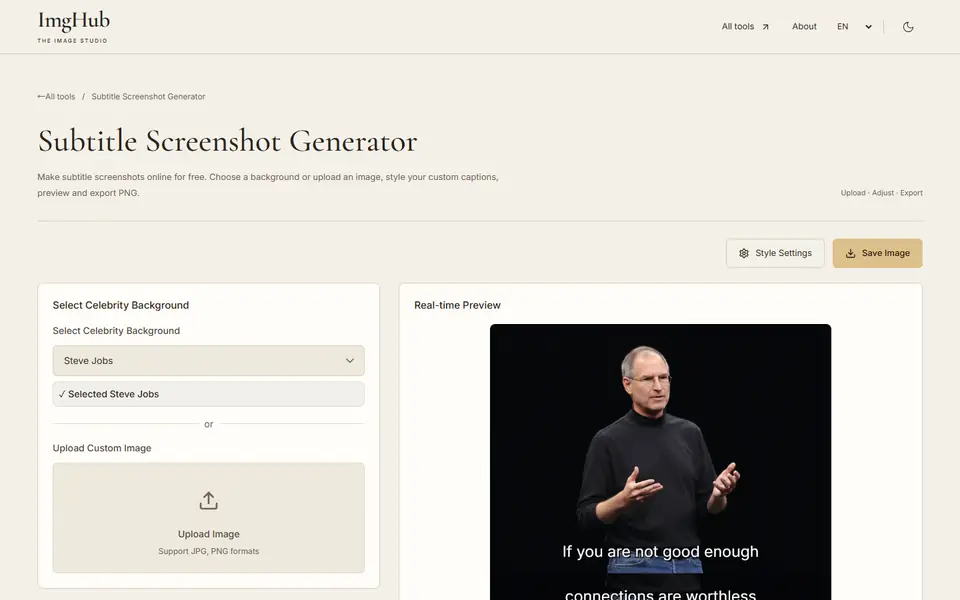
Celebrity background subtitle screenshot generator, quickly create interesting subtitle meme images with bilingual mode support