Why is the scrollbar in my screenshot?
It captures what the tab really shows. Drag the right edge of the selection inward before exporting.
Full Page Screenshot is a free browser tool for capturing your screen or stitching a scrolling web page into one long image. As you scroll, it compares frames and adds only new content, keeps sticky headers once, and lets you crop the result before downloading a PNG. It works in desktop Chrome, Edge and Firefox.
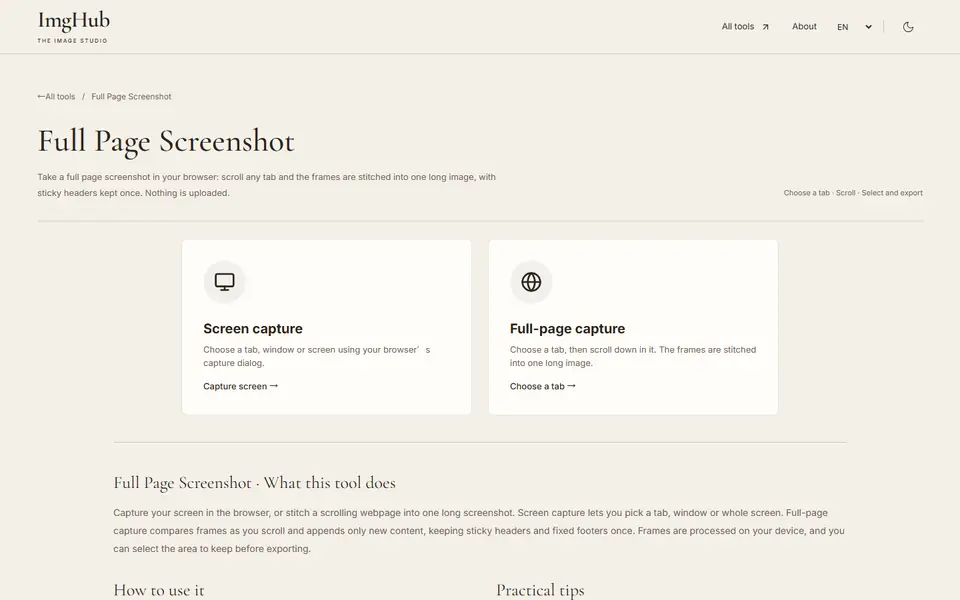
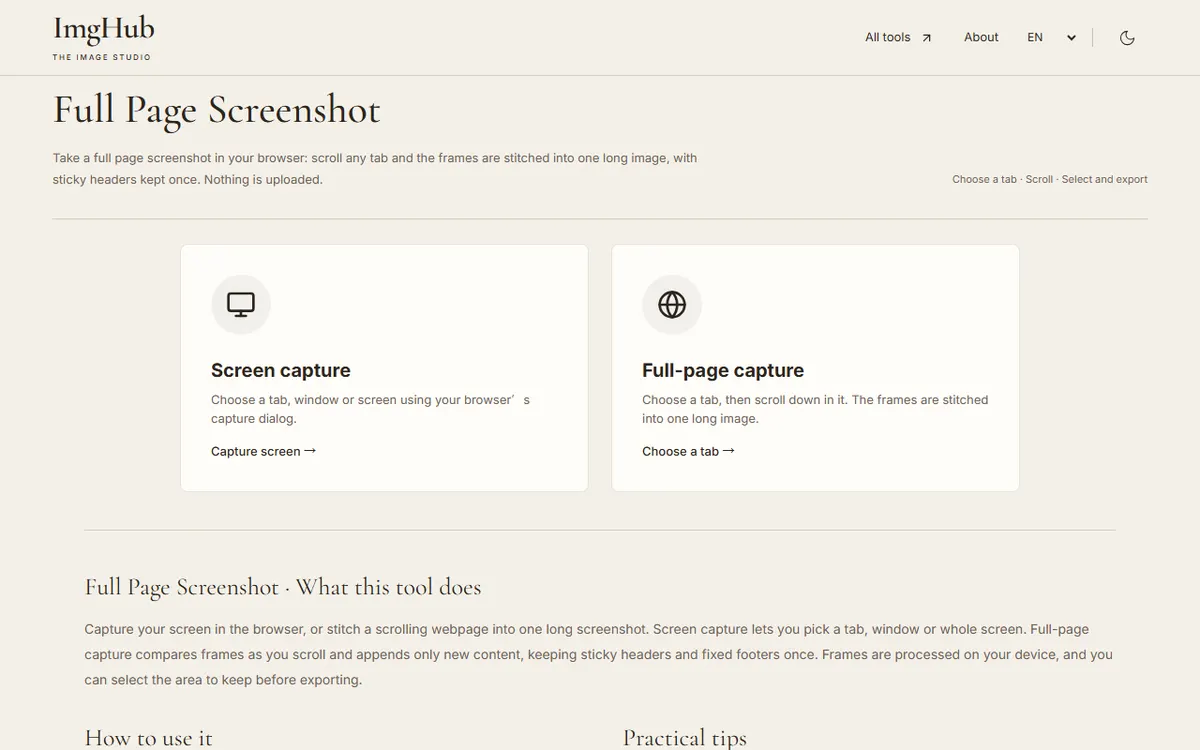
Choose instant capture, or choose full-page capture and pick the browser tab to record.
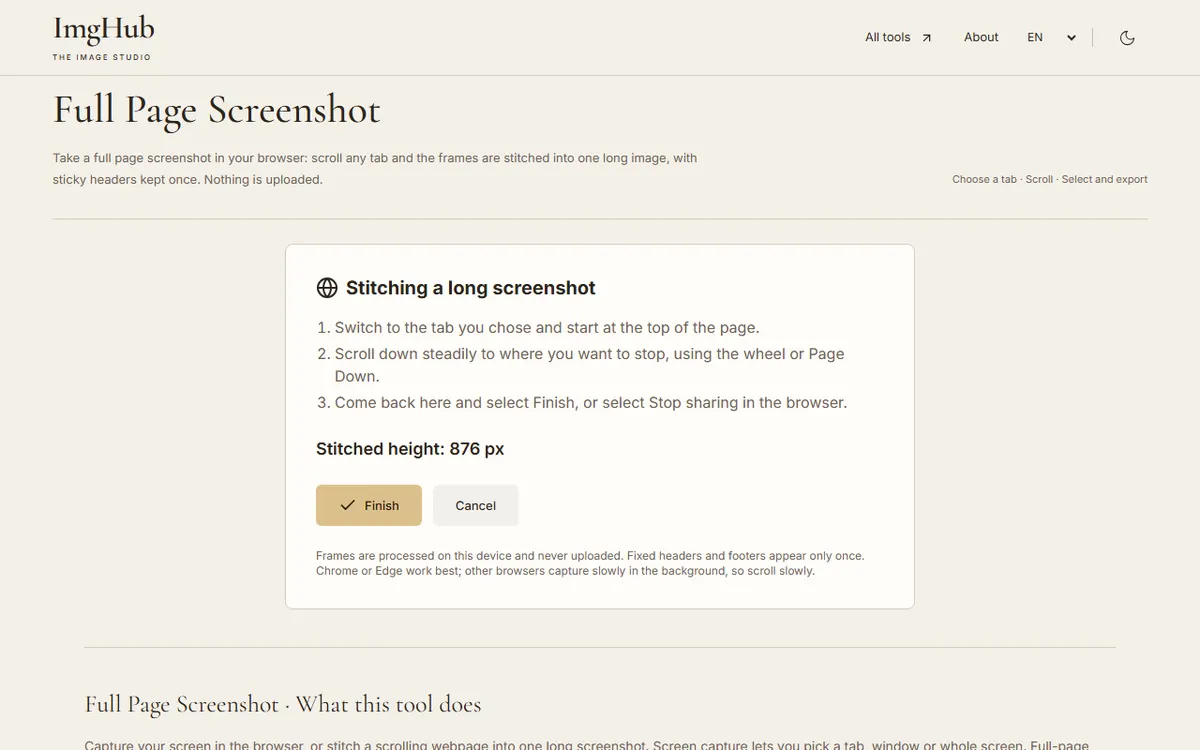
For a long page, start at the top and scroll down steadily, then return to the tool and select Finish.
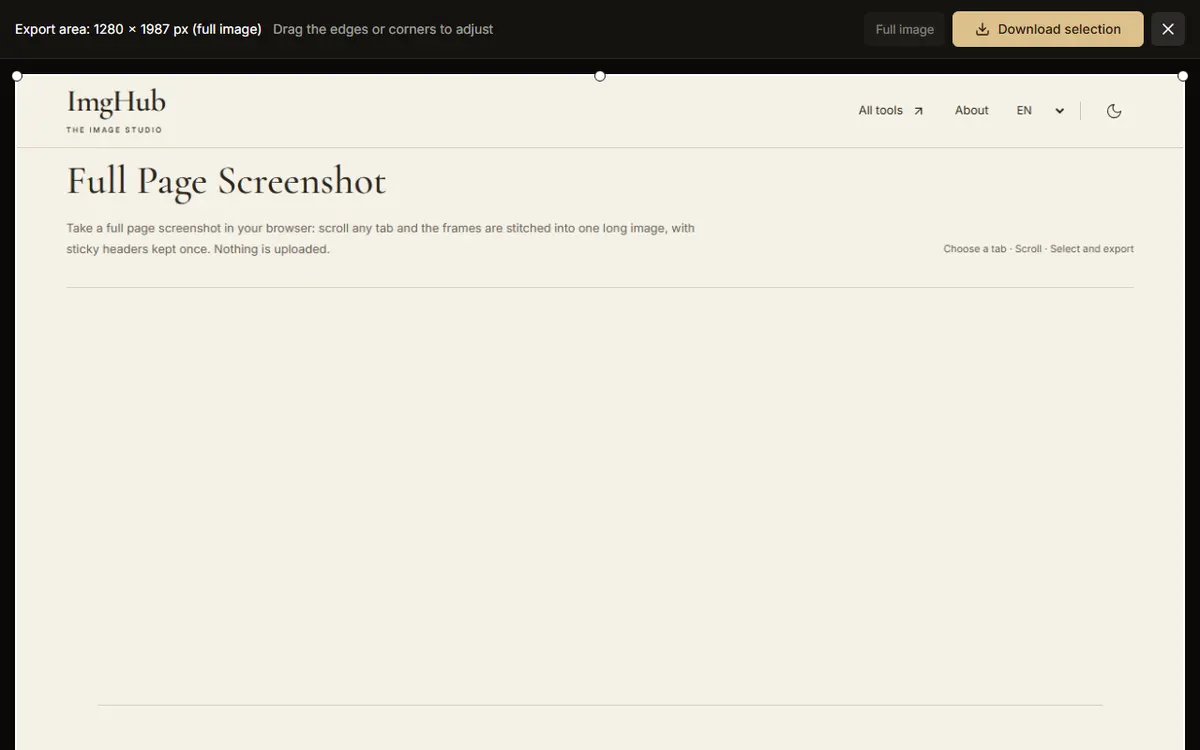
Drag the selection edges to keep the part you want, then download the PNG.
Capturing and stitching happen in your browser. There is no screenshot server and nothing is stored.
It captures what the tab really shows. Drag the right edge of the selection inward before exporting.
No. Mobile browsers do not allow screen capture.
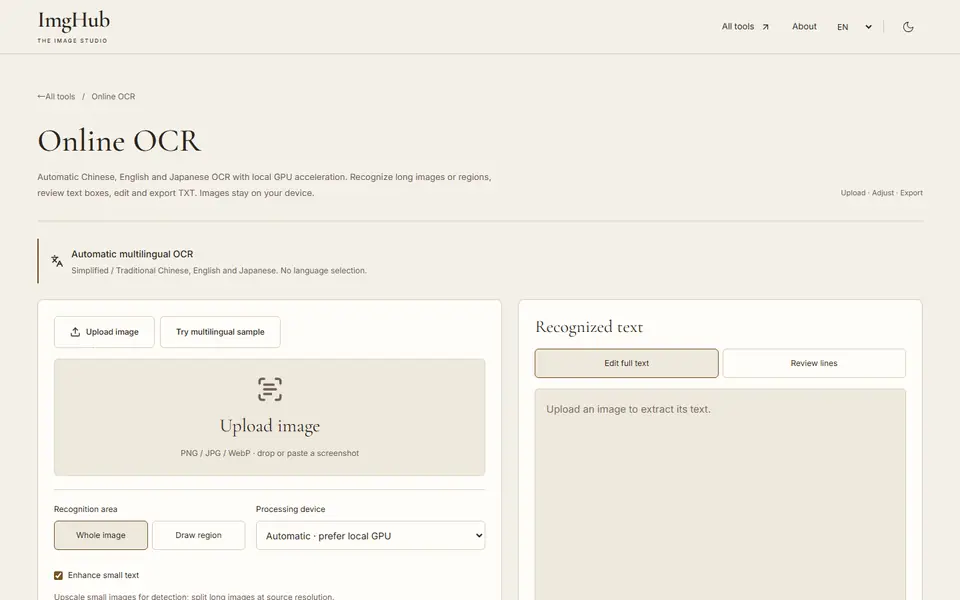
Extract Chinese, English and Japanese text from images with local GPU acceleration; long images, regions, editable text and TXT export
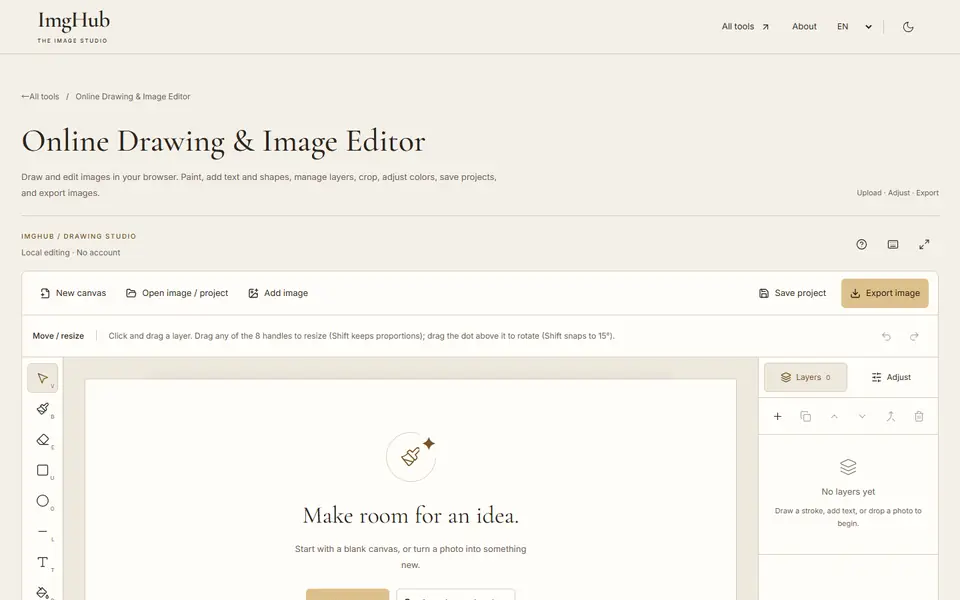
Draw and edit images in your browser: brushes, text, shapes, layers, crop and color adjustments, with saved projects and image export
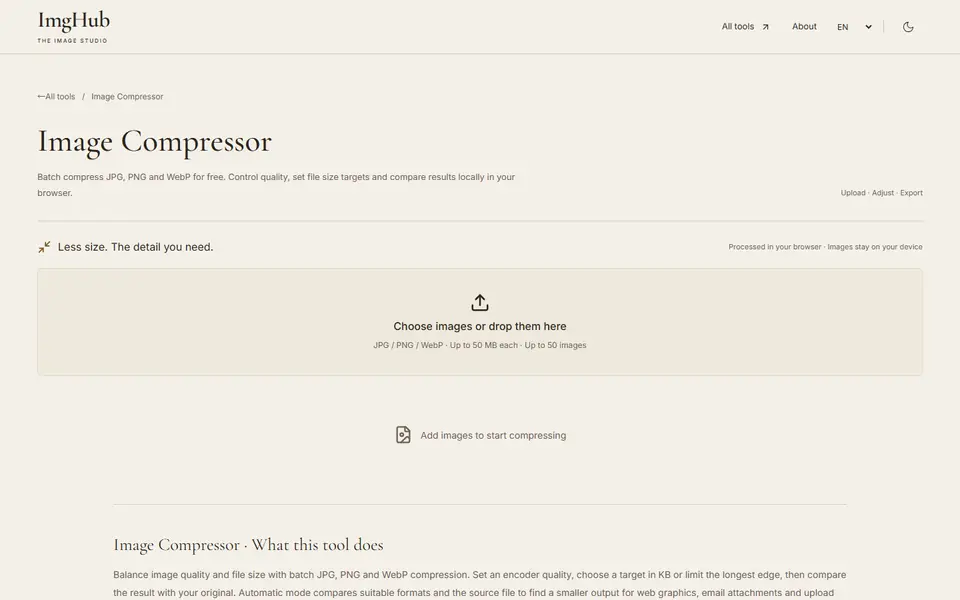
Free online batch image compression tool, supports JPG, PNG, WebP formats, local processing protects privacy