Can it generate subtitles from a video automatically?
No. It uses text you type. If the words already appear in a screenshot, extract them with Online OCR first.
Subtitle Screenshot Generator is a free online tool that places your own lines of dialogue on a background image, in the style of a film or speech subtitle. It supports single-language and bilingual captions, custom fonts, sizes and colours, and saves the result as a PNG for quote graphics and caption memes.
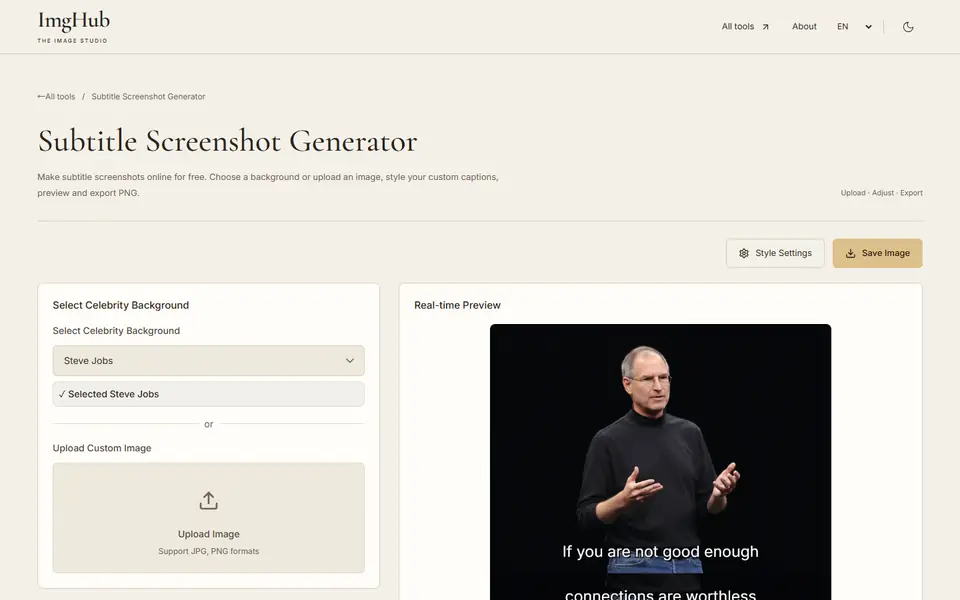
Pick a built-in background or upload your own JPG or PNG.
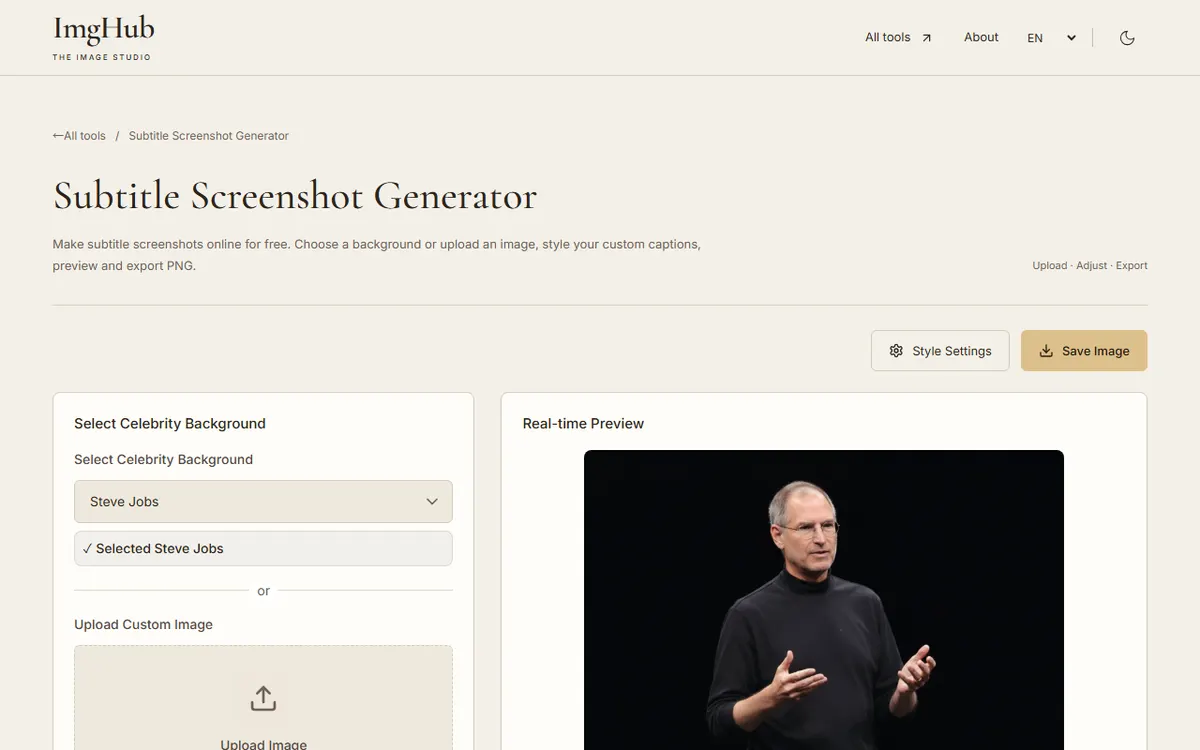
Type the lines, choose single-language or bilingual layout and style the text.
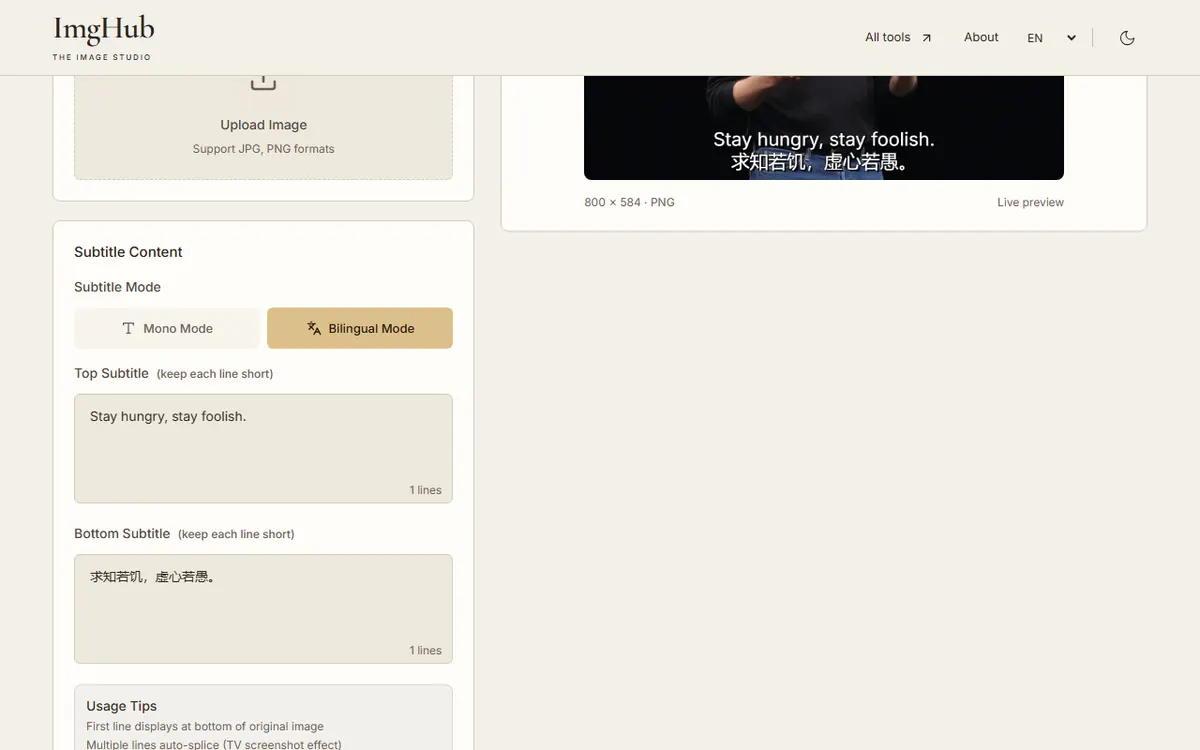
Check the line breaks and placement in the preview, then save the PNG.
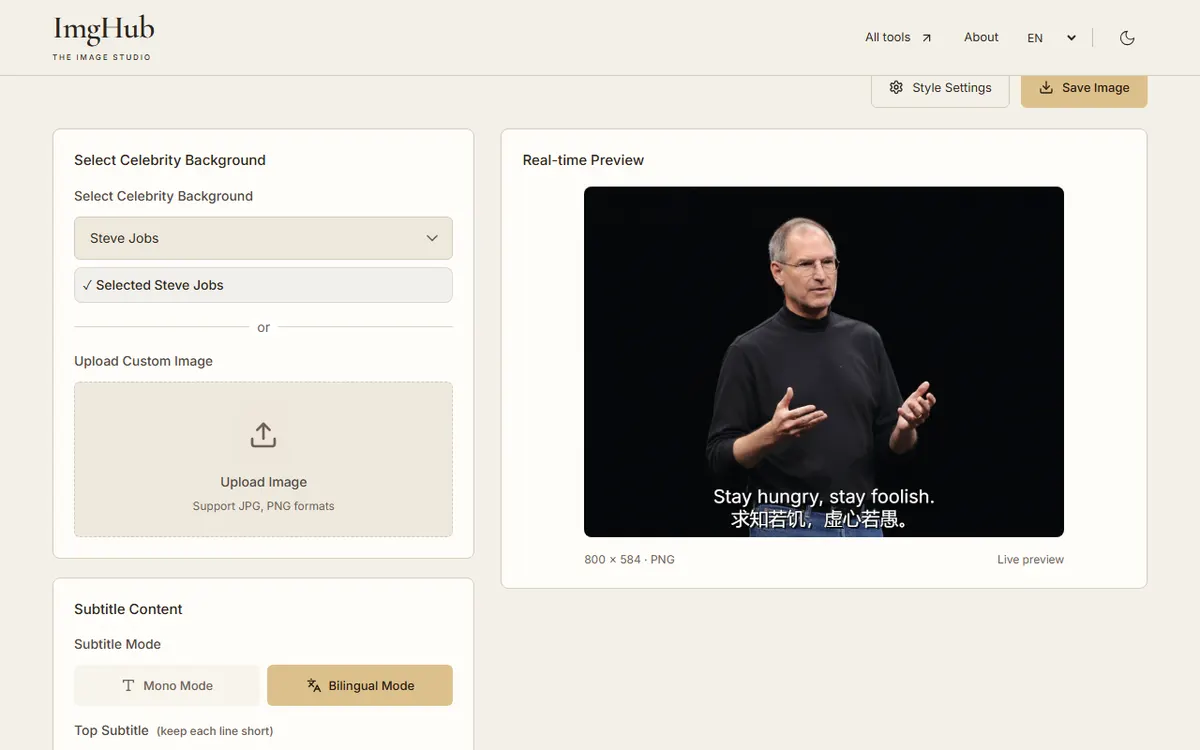
The image is drawn in your browser; uploaded backgrounds are not sent to a server.
No. It uses text you type. If the words already appear in a screenshot, extract them with Online OCR first.
Yes. Upload it to replace the built-in background.
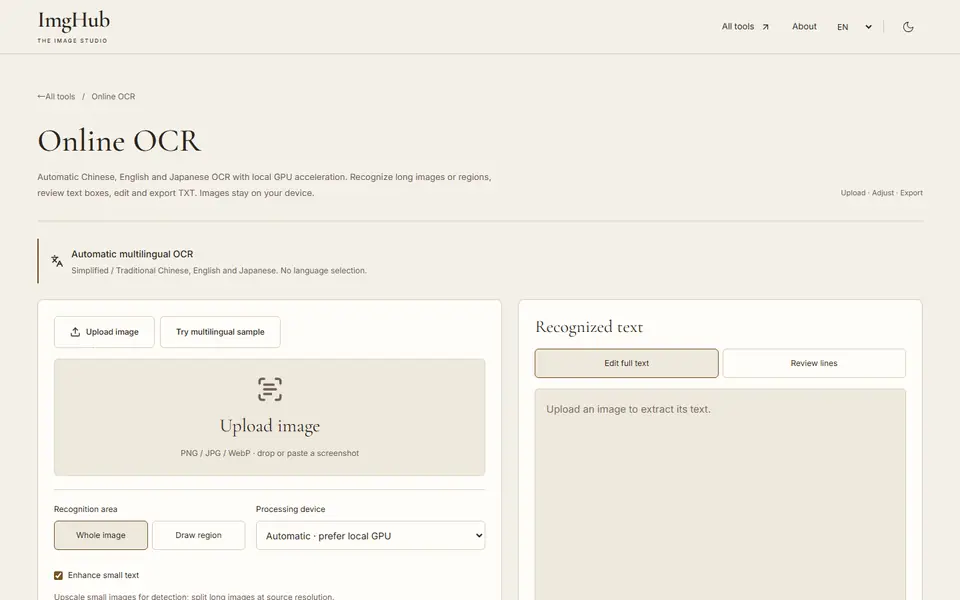
Extract Chinese, English and Japanese text from images with local GPU acceleration; long images, regions, editable text and TXT export
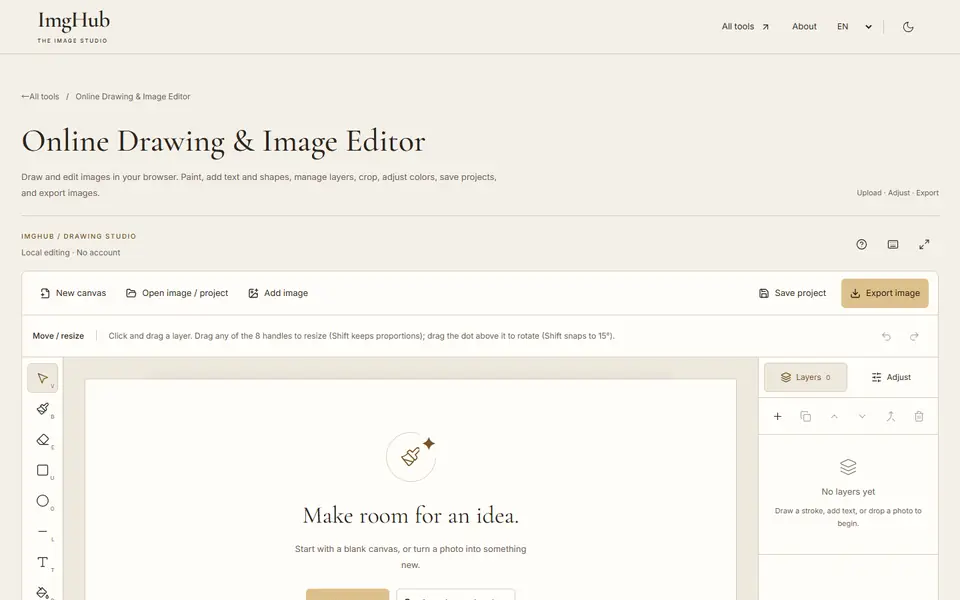
Draw and edit images in your browser: brushes, text, shapes, layers, crop and color adjustments, with saved projects and image export
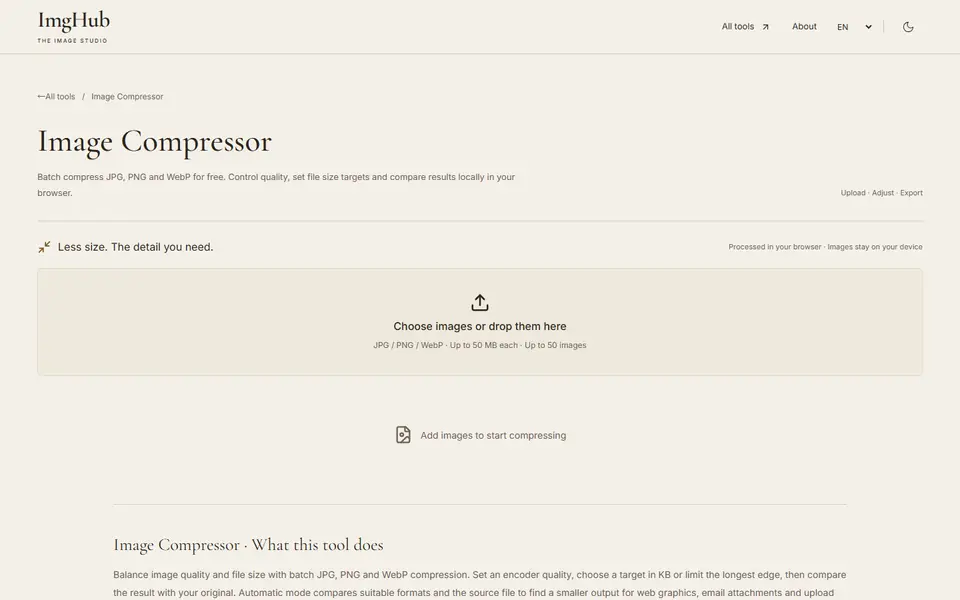
Free online batch image compression tool, supports JPG, PNG, WebP formats, local processing protects privacy